




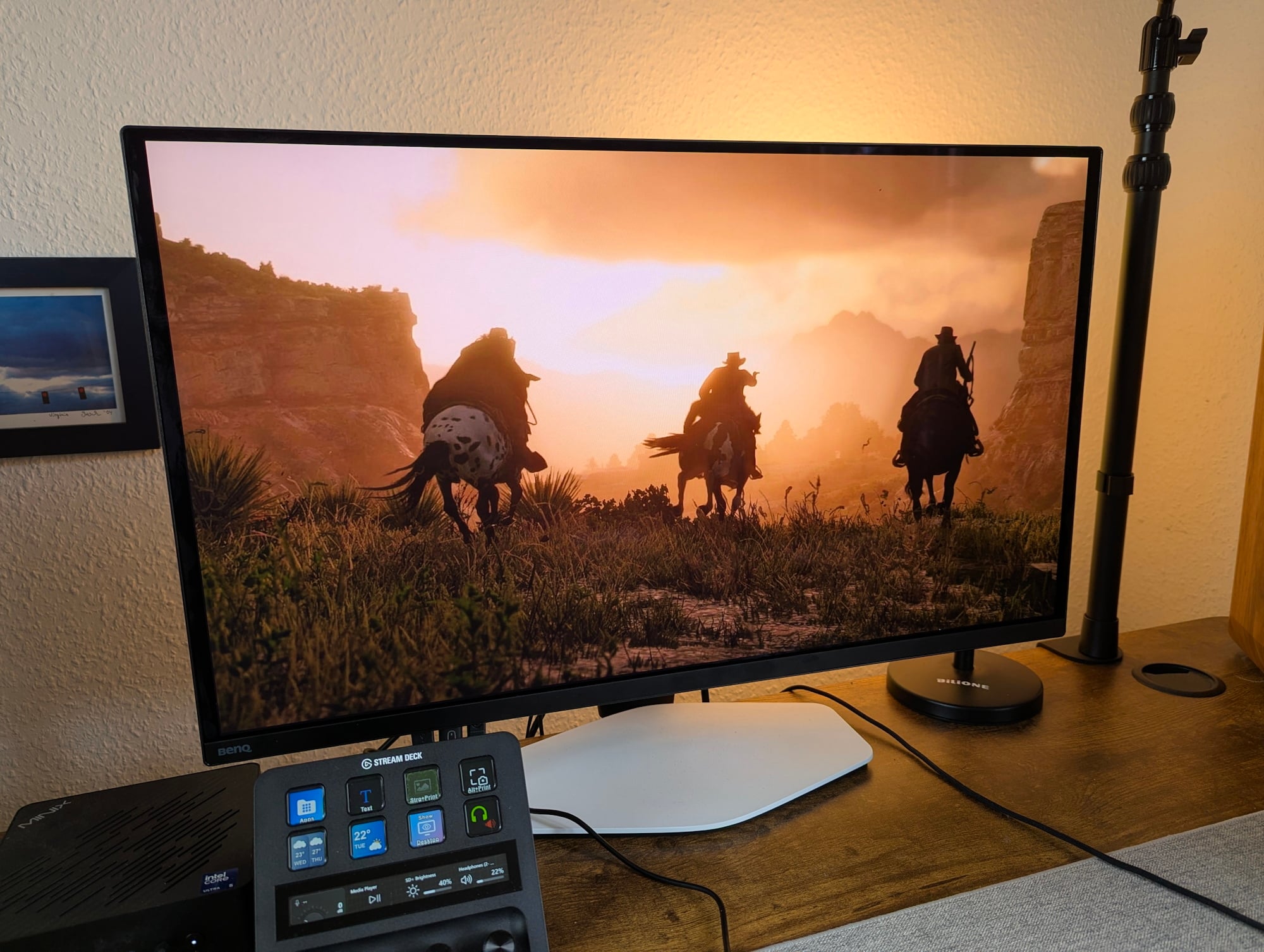
明基 Mobiuz EX271UZ 显示器评测:27英寸、4K、QD-OLED、166 PPI、240 Hz 及遥控器
被迫喝咖啡的时间到了。
4K分辨率、最高1,000尼特亮度、240 Hz刷新率、0.03毫秒响应时间、KVM切换器:超越了规格表上的极致参数,明基QD-OLED显示器旨在通过格外鲜活的视觉呈现给玩家留下深刻印象。 如何实现?通过专为游戏设计的色彩配置文件,使画面对比度更丰富、更明亮,整体效果更震撼。Christian Hintze (translated by DeepL / Ninh Duy) Published 🇺🇸 🇩🇪 ...
评测结论——OLED的视觉享受与刷新率的烦恼
OLED的画质令人信服,色彩和对比度表现出色,而针对游戏优化的预设模式也是一大亮点——尽管配套的应用程序仍给人一种尚未完全打磨好的感觉。 明基 Mobiuz 在视觉表现上确实令人印象深刻。
然而,每使用 24 小时就不得不暂停近六分钟进行强制像素刷新,这种设计极具干扰性且不够用户友好。显然需要更完善的解决方案。
Pros
Cons

明基推出的 Mobiuz EX271UZ 是一款专为游戏玩家打造的 27 英寸 QD-OLED 外接显示器。 不过,该厂商并未仅依赖这款高端面板:凭借来自Color Shuttle游戏艺术数据库的120多种色彩配置文件,这款显示器旨在随时完美适配我们最喜爱的游戏。
机箱与设计——有白色、黑色和银色可选,但没有LED灯
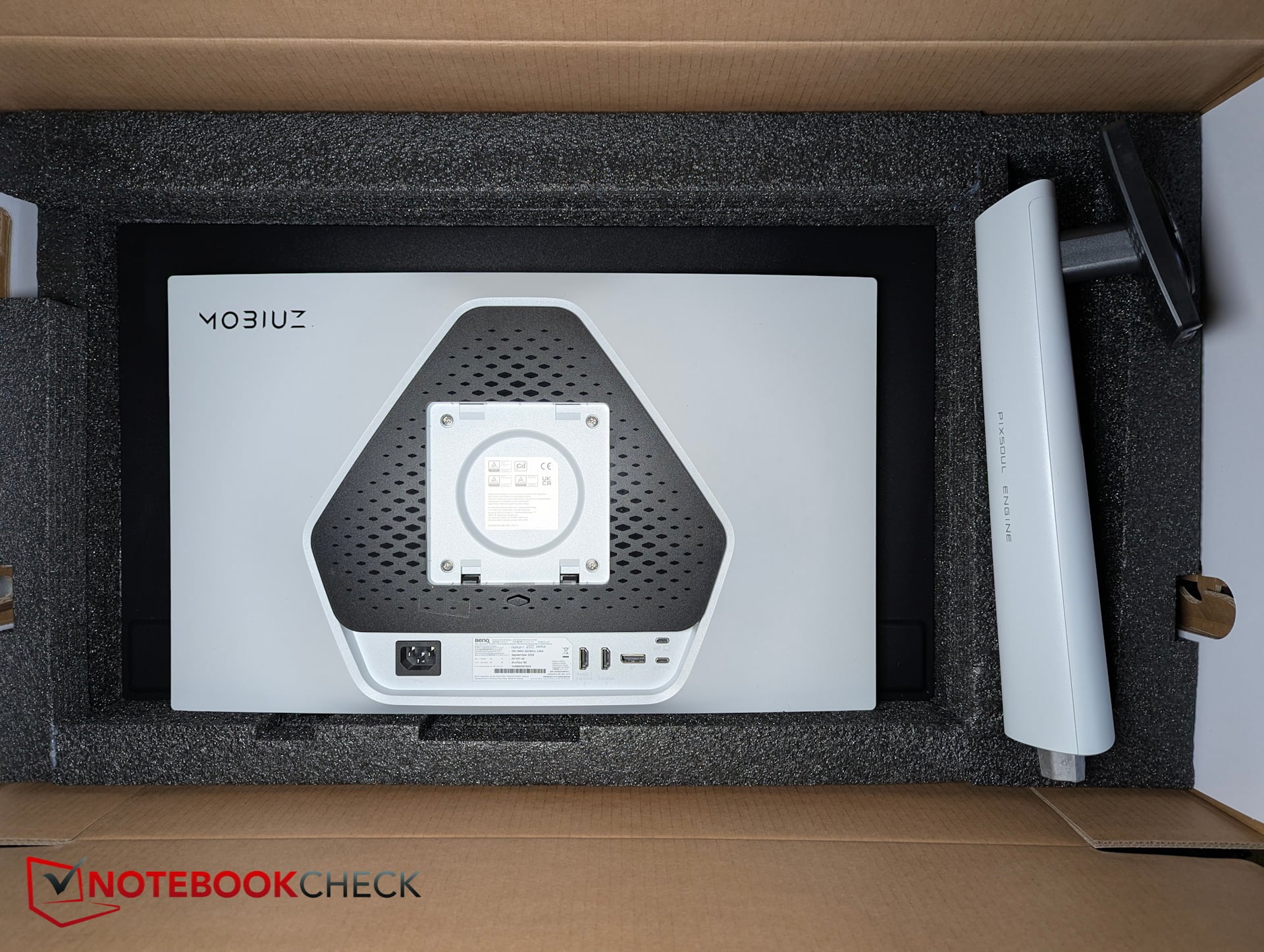
从外观上看,EX271UZ给人留下了扎实的印象。其后盖采用白色涂装,搭配黑色点缀和银色 Mobiuz 标志,尽管没有 RGB 背光,但依然显得相当高档,展现出精致的美感。
从正面看,这款 Mobiuz 显示器显得相当低调。极窄的塑料边框环绕着面板的玻璃边缘,仅底部边缘略厚,约为 1.5 厘米。
VESA 支架上的铰链不支持旋转(竖屏模式)。显示器无法旋转 90 度,仅能进行轻微的倾斜调节。不过,它支持高度调节和水平旋转。
花絮
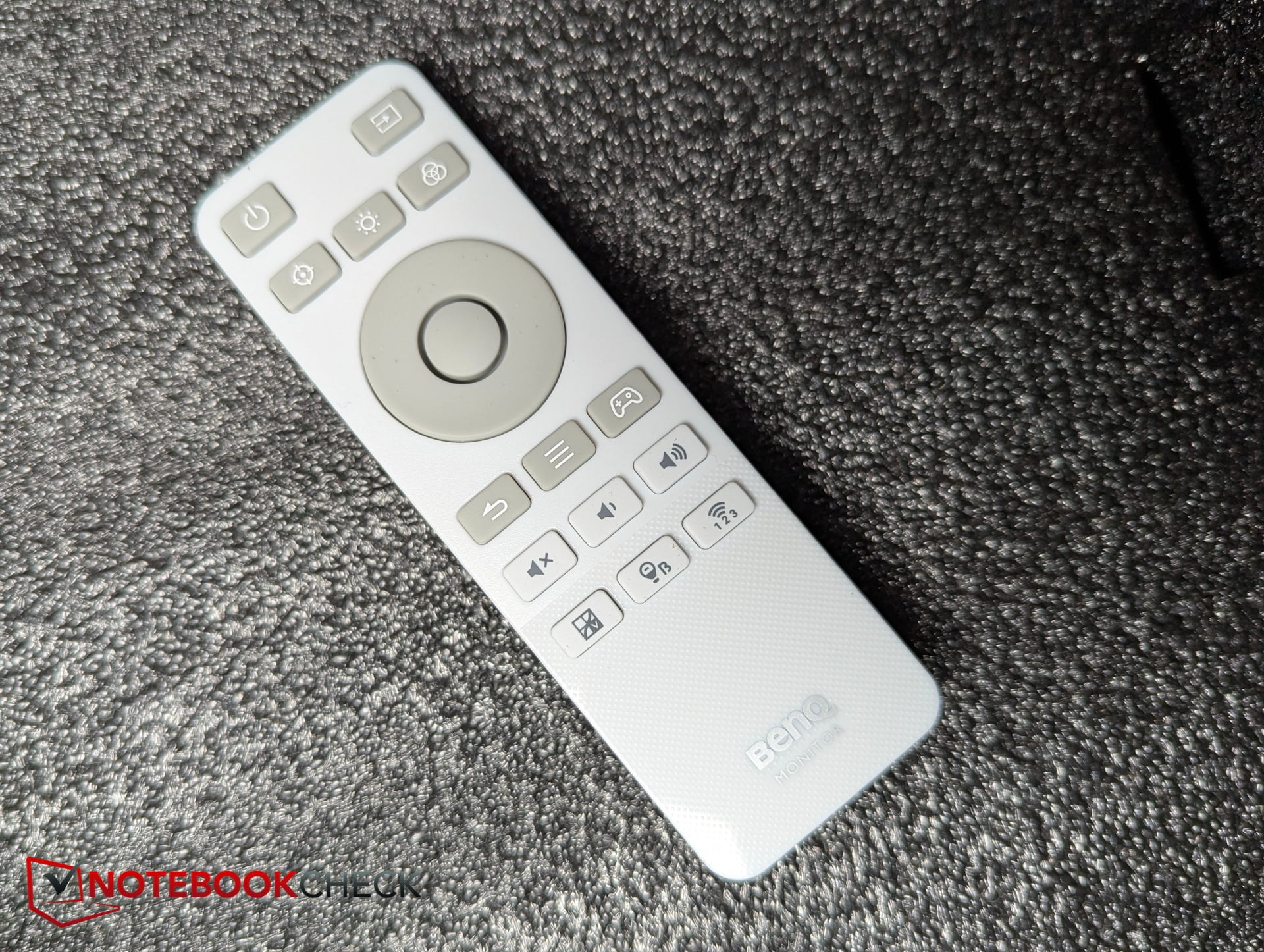
连接性——KVM切换器与输入/输出分离
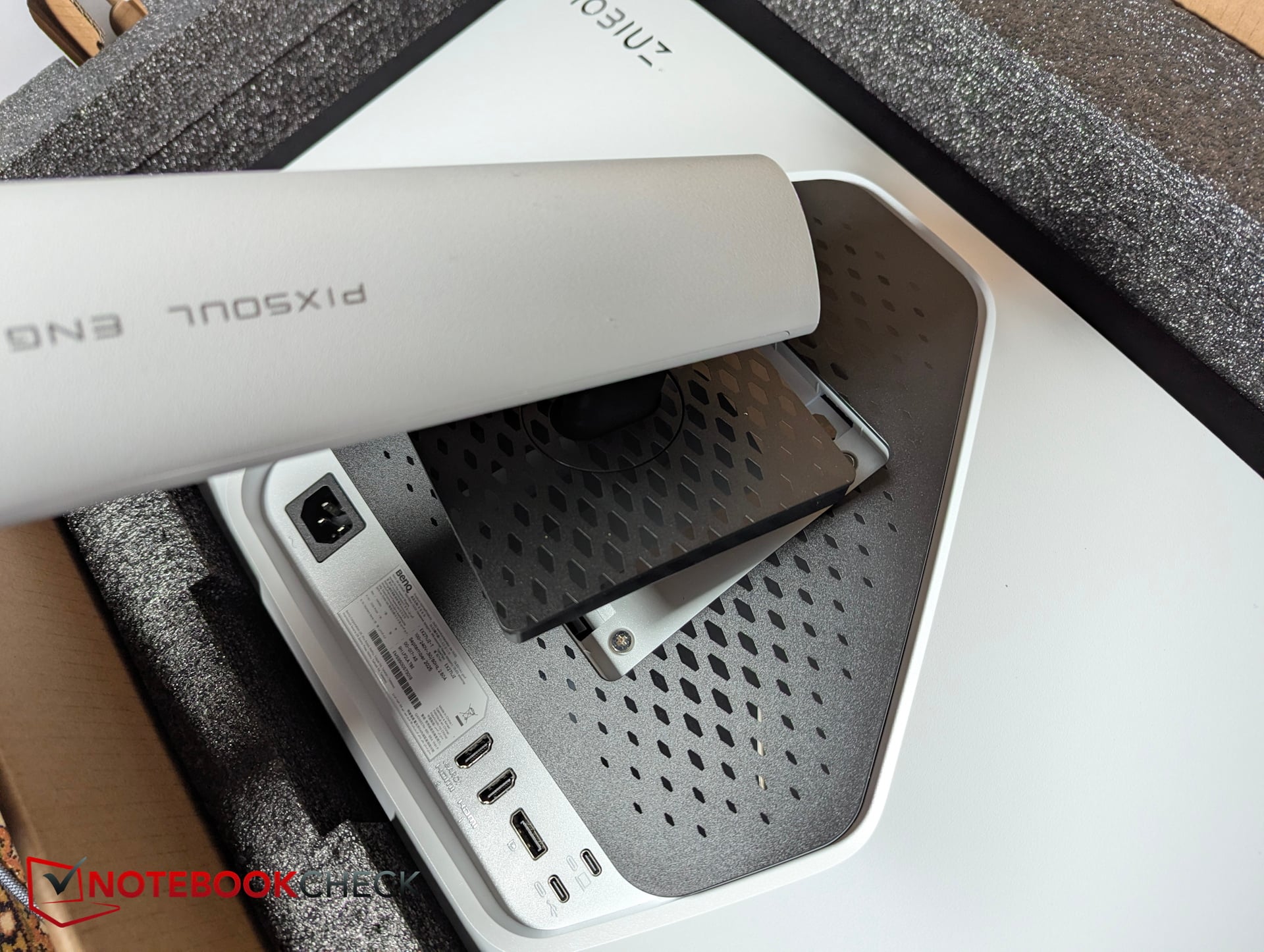
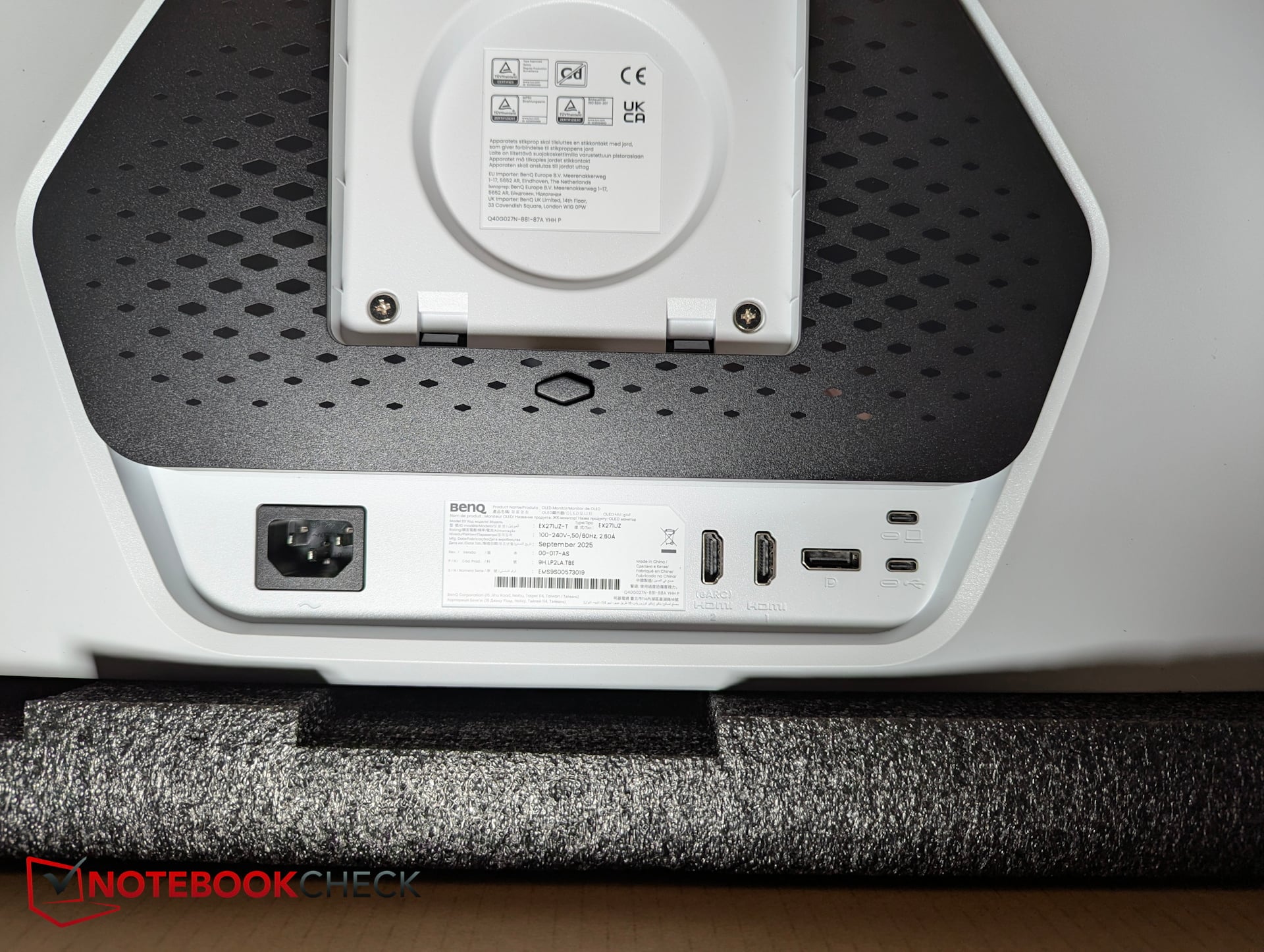
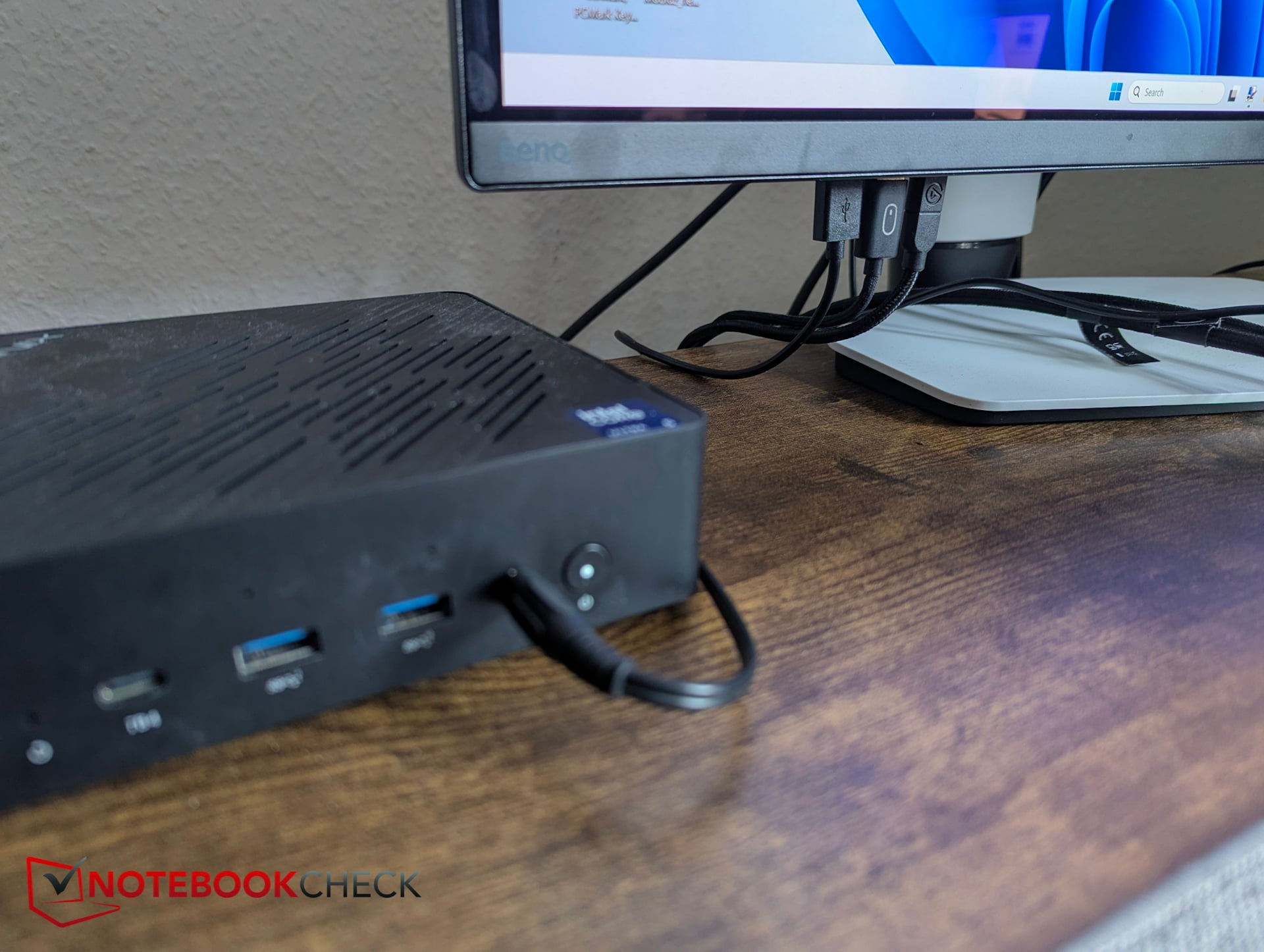
机身内置了一个KVM切换器。在上游连接方面,设有两个不同的USB-C接口。不过,只有主接口支持eARC和90 W电源传输。
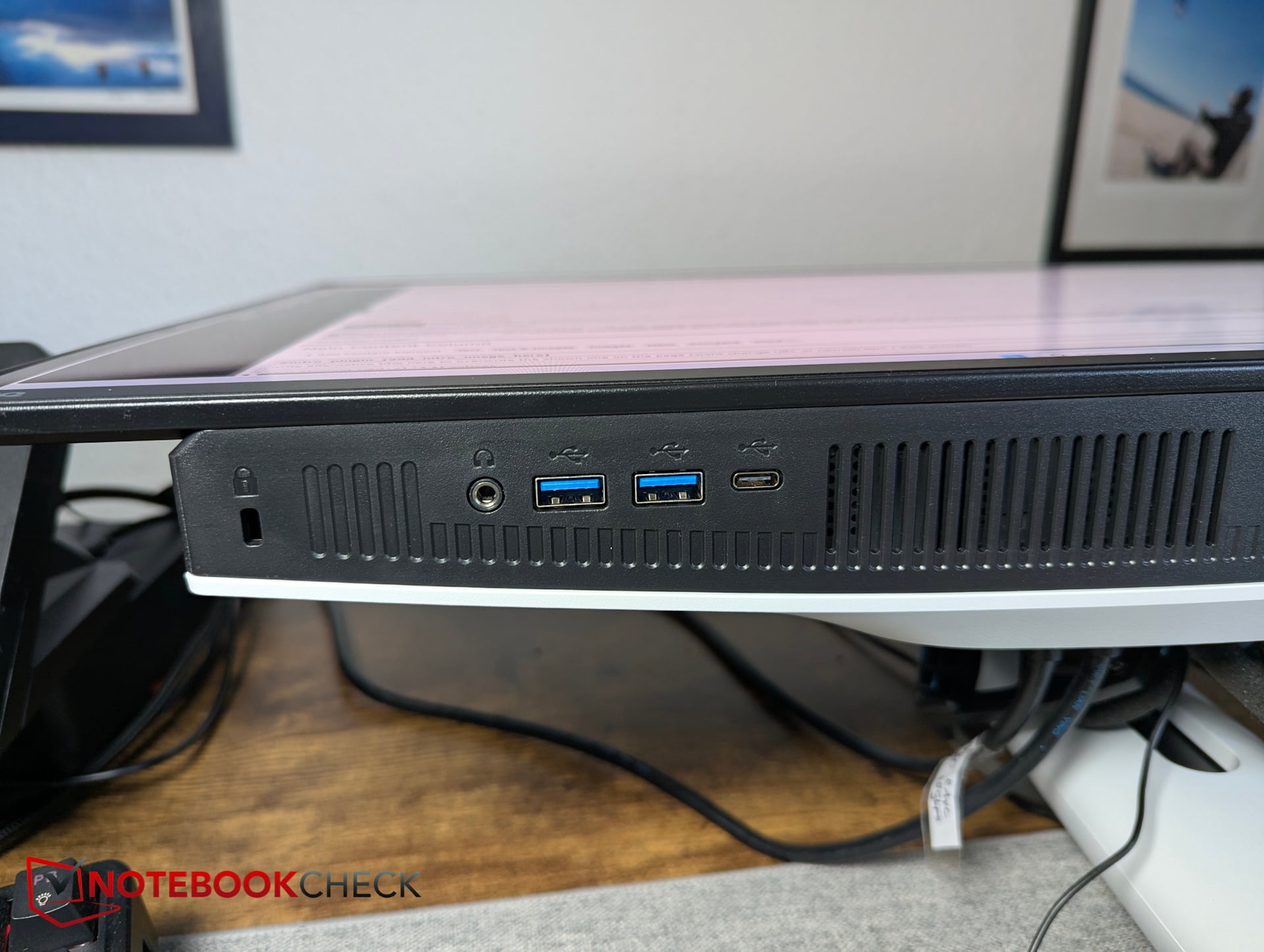
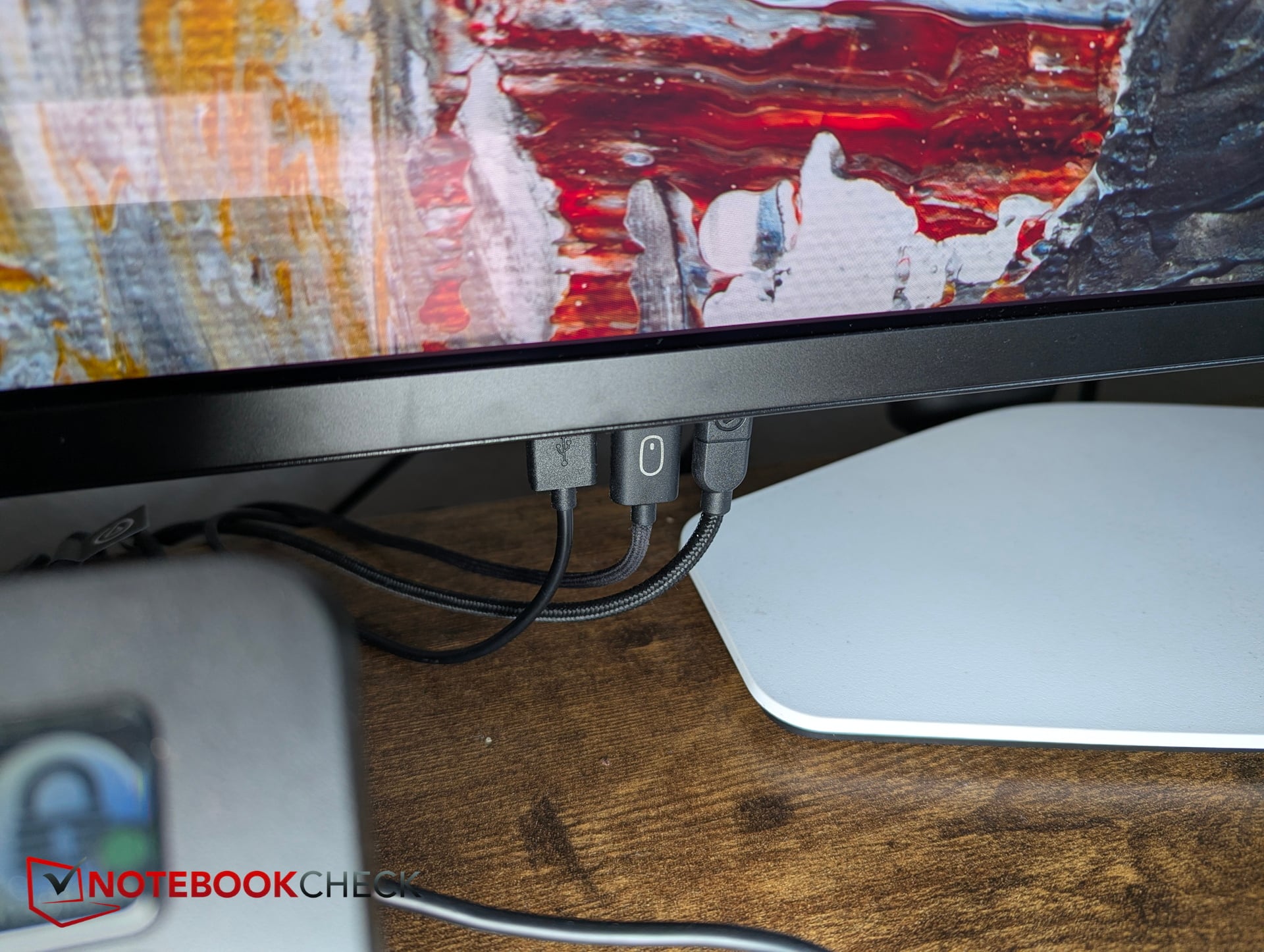
外设接口方面,配备了2个USB-A接口和1个USB-C接口(均支持5 Gbps传输速率),此外还有两个HDMI 2.1接口(其中一个支持eARC)和一个DisplayPort(v1.4)接口。 得益于 KVM 切换器,我的迷你电脑上几个宝贵的接口得以释放;键盘、鼠标以及 Elgato Stream Deck+ 现在都直接连接到了显示器上。
技术规格
| 屏幕尺寸 | 26.5 英寸 |
| 面板类型 | OLED |
| 分辨率(最大) | 3,840 x 2,160 |
| 亮度(典型值/峰值) | 250 尼特 / 1,000 尼特 |
| HDR | VESA DisplayHDR True Black 400 |
| 刷新率 | 240 Hz |
| 响应时间(GtG) | 0.03 毫秒 |
| 原生对比度 | 1,500,000:1 |
| 色域 | 99% P3 |
| 色彩模式 | 影院HDR、奇幻HDR、写实HDR、科幻HDR、Display P3、sRGB、用户自定义、DisplayHDR、影院、科幻、写实、奇幻、游戏模式1、游戏模式2、游戏模式3 |
| 显示色彩 | 10.7亿种色彩 |
| PPI | 166 |
| HDCP | 2.3 |
| 功耗(典型/最大) | 37 W / 230 W |
| 价格 | $ 949.99 |
图像质量——色彩鲜艳,配置文件经过优化
在SDR模式下,我们测得亮度为260尼特。启用HDR后,屏幕亮度可达820尼特。在更小的测量区域内,面板亮度可能更高,但我们的设备和软件在此处构成了限制因素。
亮度均匀性极佳,黑位表现出色,对比度同样强劲。主观感受上,这款明基显示器呈现的画面也令人印象深刻。
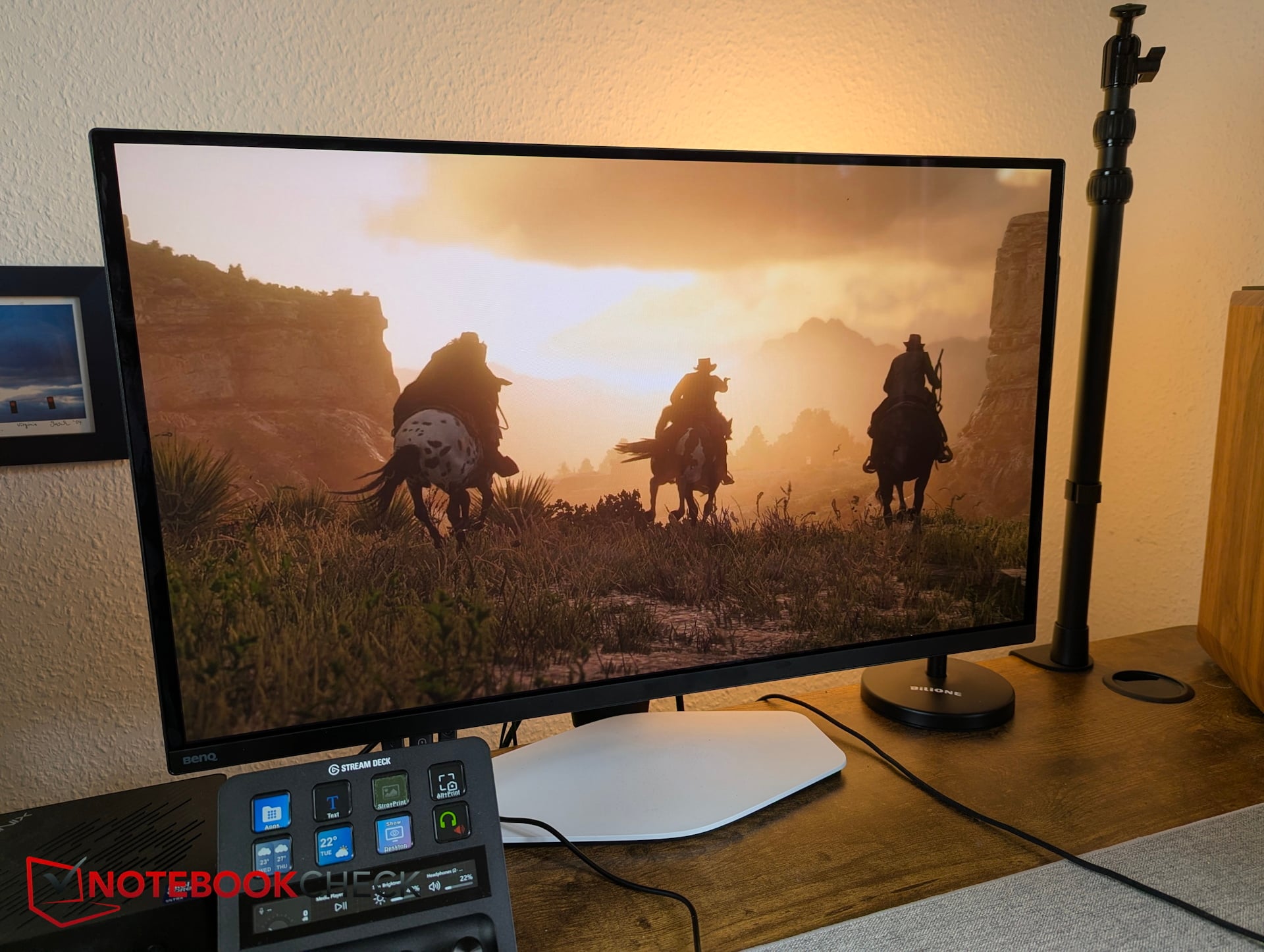
当在显示器菜单中选择预设的游戏模式之一时,画面对比度会更加丰富,色彩表现也更为鲜明有力。
| |||||||||||||||||||||||||
Brightness Distribution: 97 %
Contrast: 6515:1 (Black: 0.04 cd/m²)
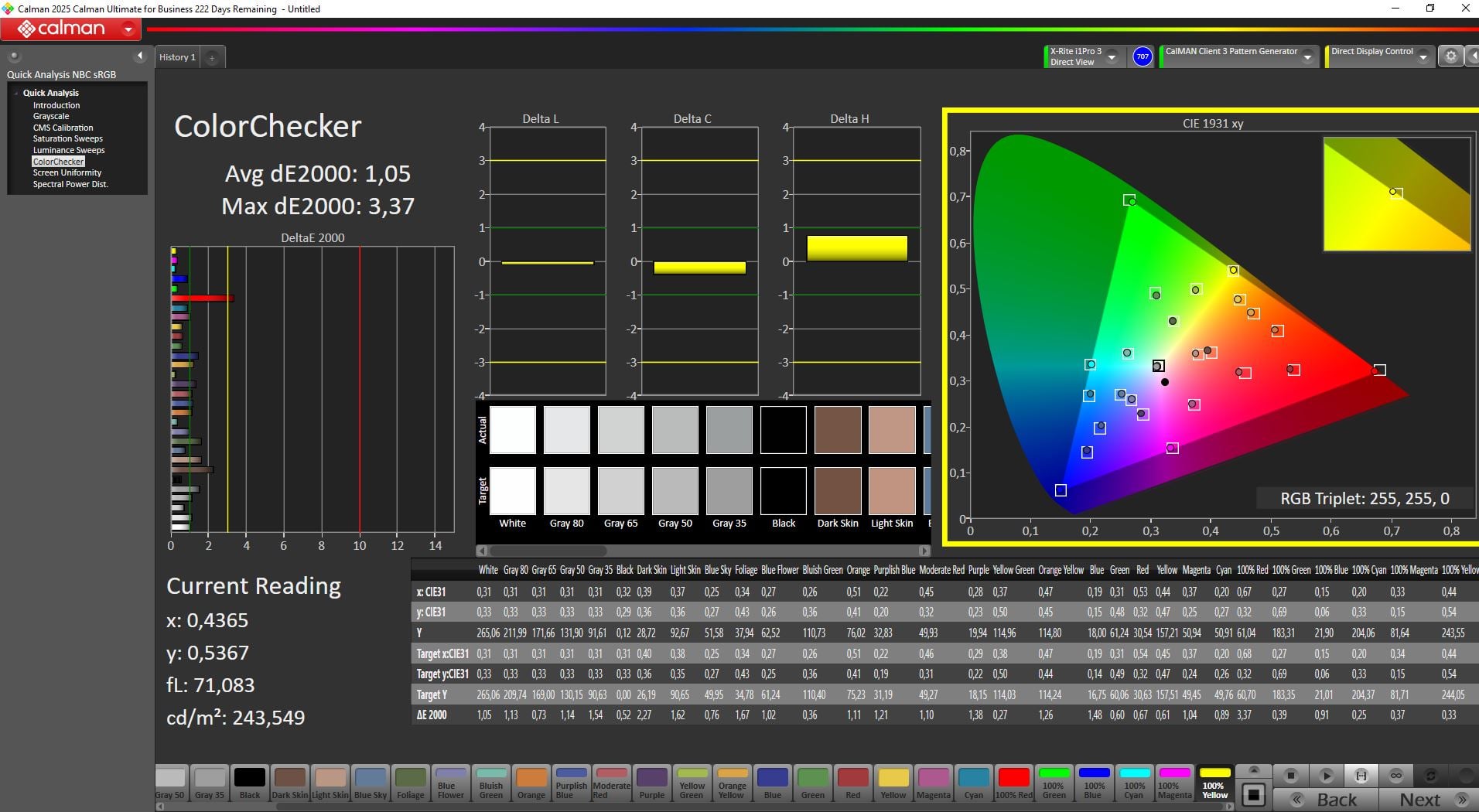
ΔE ColorChecker Calman: 1.05 | ∀{0.5-29.43 Ø4.7}
calibrated: 1.05
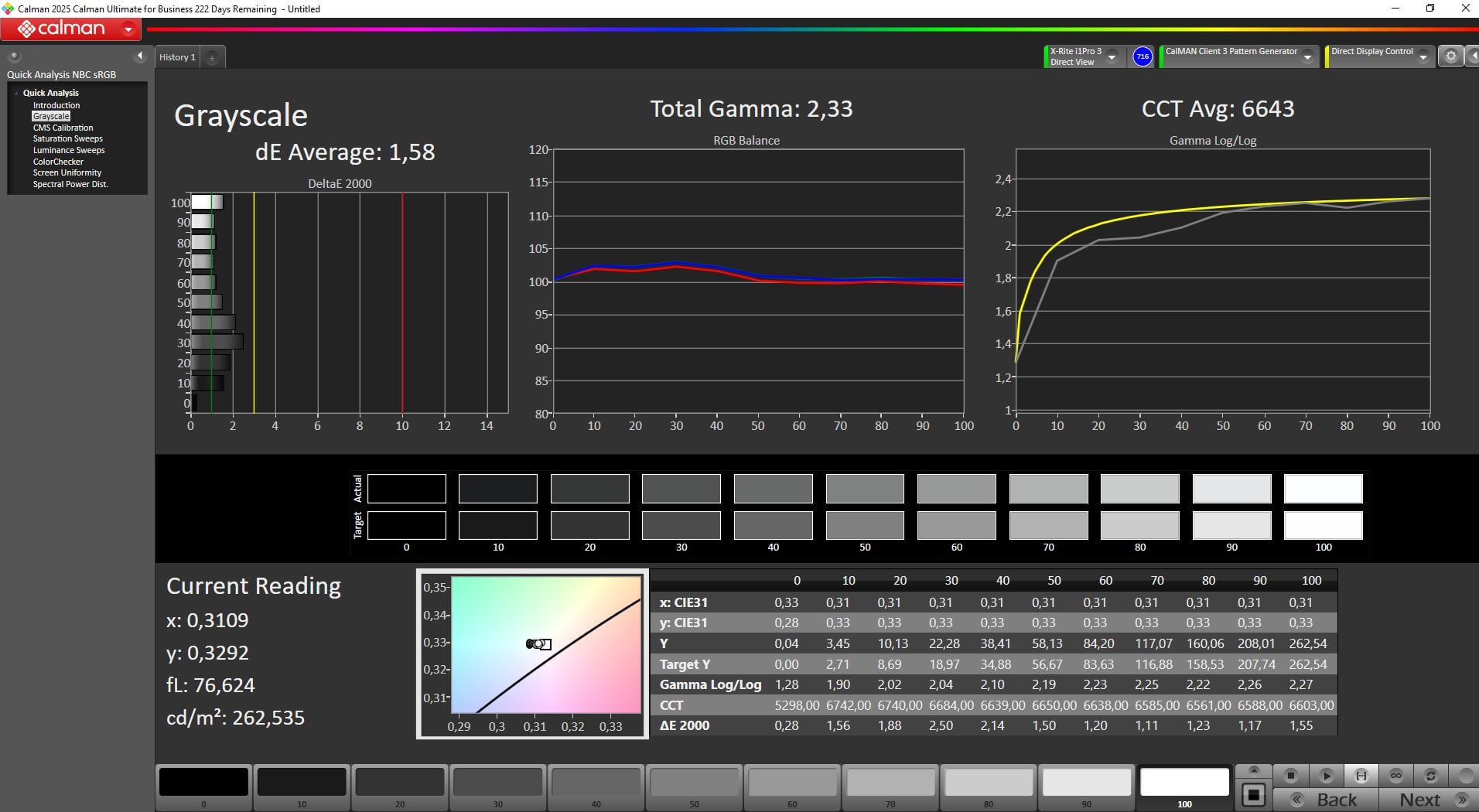
ΔE Greyscale Calman: 1.58 | ∀{0.09-98 Ø4.95}
86% AdobeRGB 1998 (Argyll 3D)
99.9% sRGB (Argyll 3D)
96.7% Display P3 (Argyll 3D)
Gamma: 2.33
CCT: 6643 K
| 明基 Mobiuz EX271UZ 显示器评测:27英寸、4K、QD-OLED、166 PPI、240 Hz 及遥控器 3840x2160, 26.5", 240 Hz | TITAN ARMY P275MV PLUS 3840x2160, 27", 160 Hz | KTC G27P6 OLED, 2560x1440, 27", 240 Hz | KTC H27P22s AUO 7.0, IPS, 3840x2160, 27", 160 Hz | Alienware AW2725DF x, 27", Hz | MSI MAG 274QRF QD E2 MAG 274QRF QD E2, IPS, 2560x1440, 27", 180 Hz | |
|---|---|---|---|---|---|---|
| Display | 0% | -3% | -5% | 1% | ||
| Display P3 Coverage (%) | 96.7 | 94.7 -2% | 86.91 -10% | 86.9 -10% | 97.6 1% | |
| sRGB Coverage (%) | 99.9 | 100 0% | 99.23 -1% | 99.8 0% | 99.7 0% | |
| AdobeRGB 1998 Coverage (%) | 86 | 88.9 3% | 86.86 1% | 81.6 -5% | 88.9 3% | |
| Response Times | -715% | 14% | -740% | -467% | -367% | |
| Response Time Grey 50% / Grey 80% * (ms) | 1 ? | 12.8 ? -1180% | 0.8 ? 20% | 11.8 ? -1080% | 6.7 ? -570% | 5.76 ? -476% |
| Response Time Black / White * (ms) | 1.6 ? | 5.6 ? -250% | 0.8 ? 50% | 8 ? -400% | 7.4 ? -363% | 5.73 ? -258% |
| PWM Frequency (Hz) | 230 | 240 | ||||
| PWM Amplitude * (%) | 11 | 14 -27% | ||||
| Screen | -120% | -197% | -194% | -116% | -230% | |
| Brightness middle (cd/m²) | 260.6 | 305 17% | 320 23% | 454 74% | 520.3 100% | 453 74% |
| Brightness (cd/m²) | 261 | 296 13% | 310 19% | 398 52% | 493 89% | 404 55% |
| Brightness Distribution (%) | 97 | 92 -5% | 93 -4% | 79 -19% | 88 -9% | 84 -13% |
| Black Level * (cd/m²) | 0.04 | 0.34 -750% | 0.02 50% | 0.41 -925% | 0.45 -1025% | 0.28 -600% |
| Contrast (:1) | 6515 | 897 -86% | 16000 146% | 1107 -83% | 1156 -82% | 1618 -75% |
| Colorchecker dE 2000 * | 1.05 | 2.15 -105% | 10.69 -918% | 4.61 -339% | 1.8 -71% | 7.97 -659% |
| Colorchecker dE 2000 max. * | 3.07 | 4.16 -36% | 15.63 -409% | 8.04 -162% | 3.8 -24% | 14.32 -366% |
| Colorchecker dE 2000 calibrated * | 1.05 | 1.29 -23% | 4.11 -291% | 2.57 -145% | 1.4 -33% | 1.71 -63% |
| Greyscale dE 2000 * | 1.58 | 3.21 -103% | 7.73 -389% | 4.77 -202% | 1.4 11% | 8.2 -419% |
| Gamma | 2.33 94% | 2.52 87% | 2.2 100% | 2.28 96% | 1.46 151% | |
| CCT | 6643 98% | 6617 98% | 8070 81% | 7540 86% | 6743 96% | 7427 88% |
| Total Average (Program / Settings) | -278% /
-179% | -62% /
-116% | -313% /
-232% | -292% /
-180% | -199% /
-200% |
* ... smaller is better
Mobiuz OLED 覆盖了完整的 sRGB 色域,几乎完全覆盖了 Display P3 色域,同时还达到了 AdobeRGB 色域的 86%。
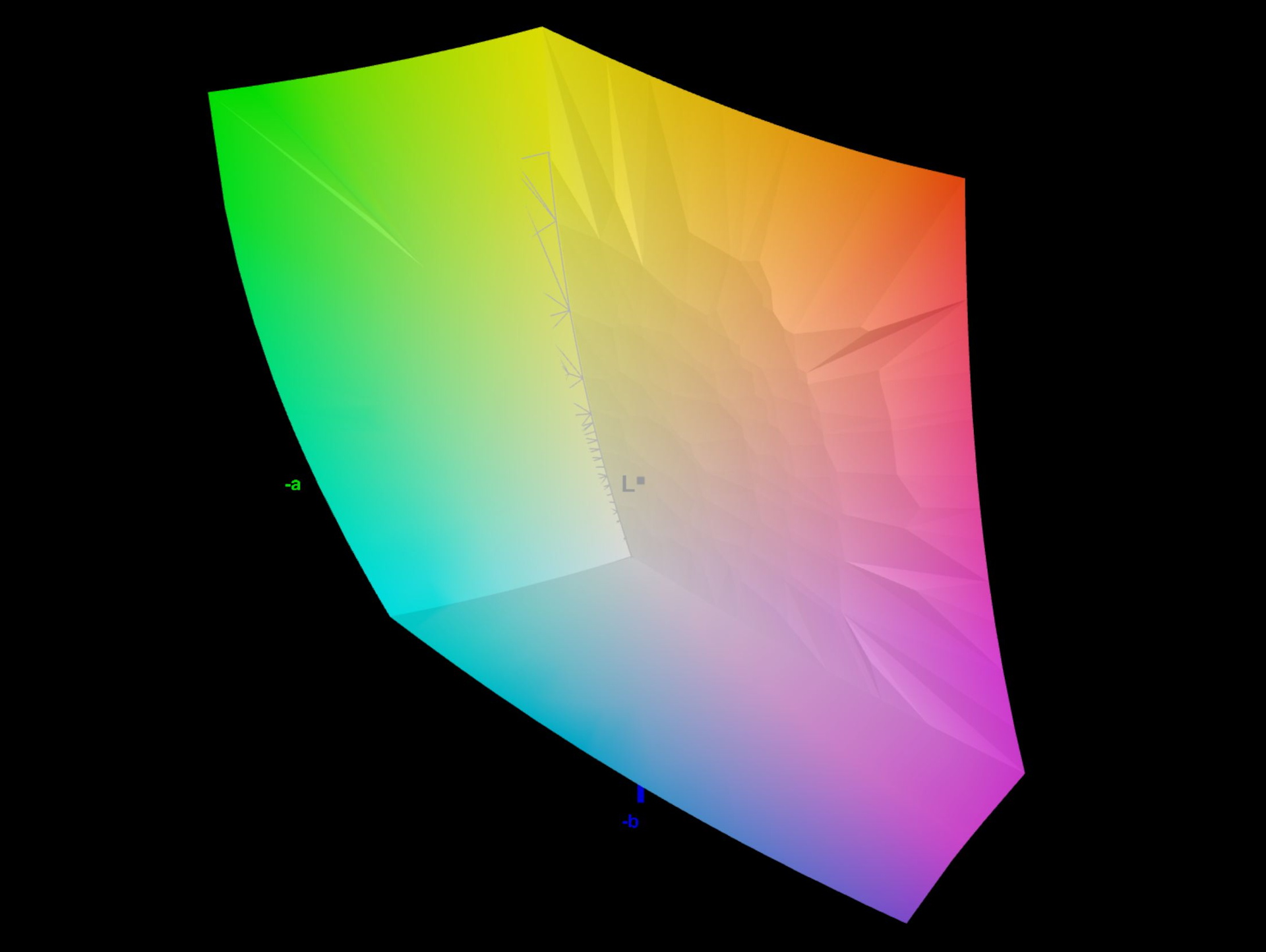
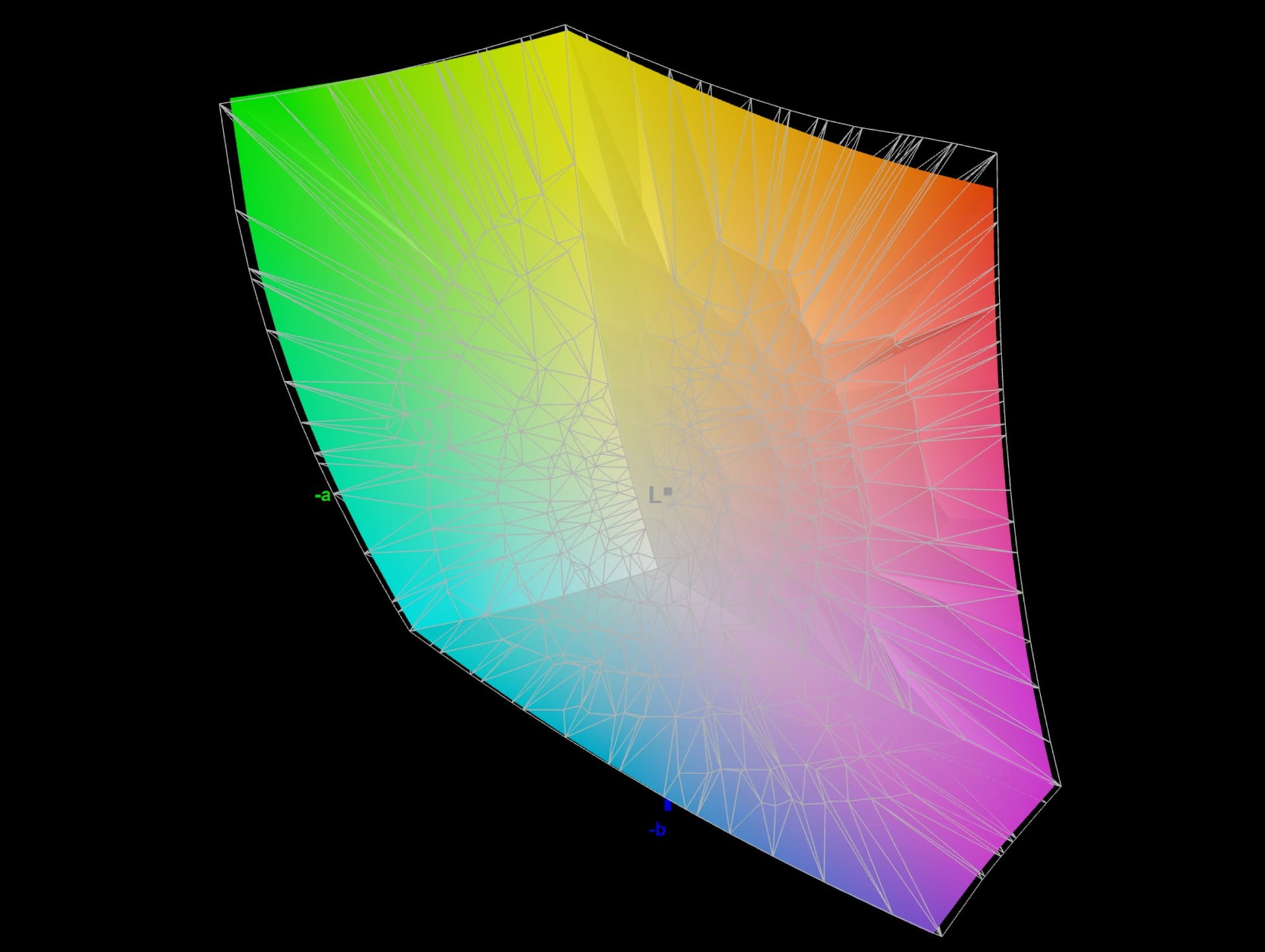
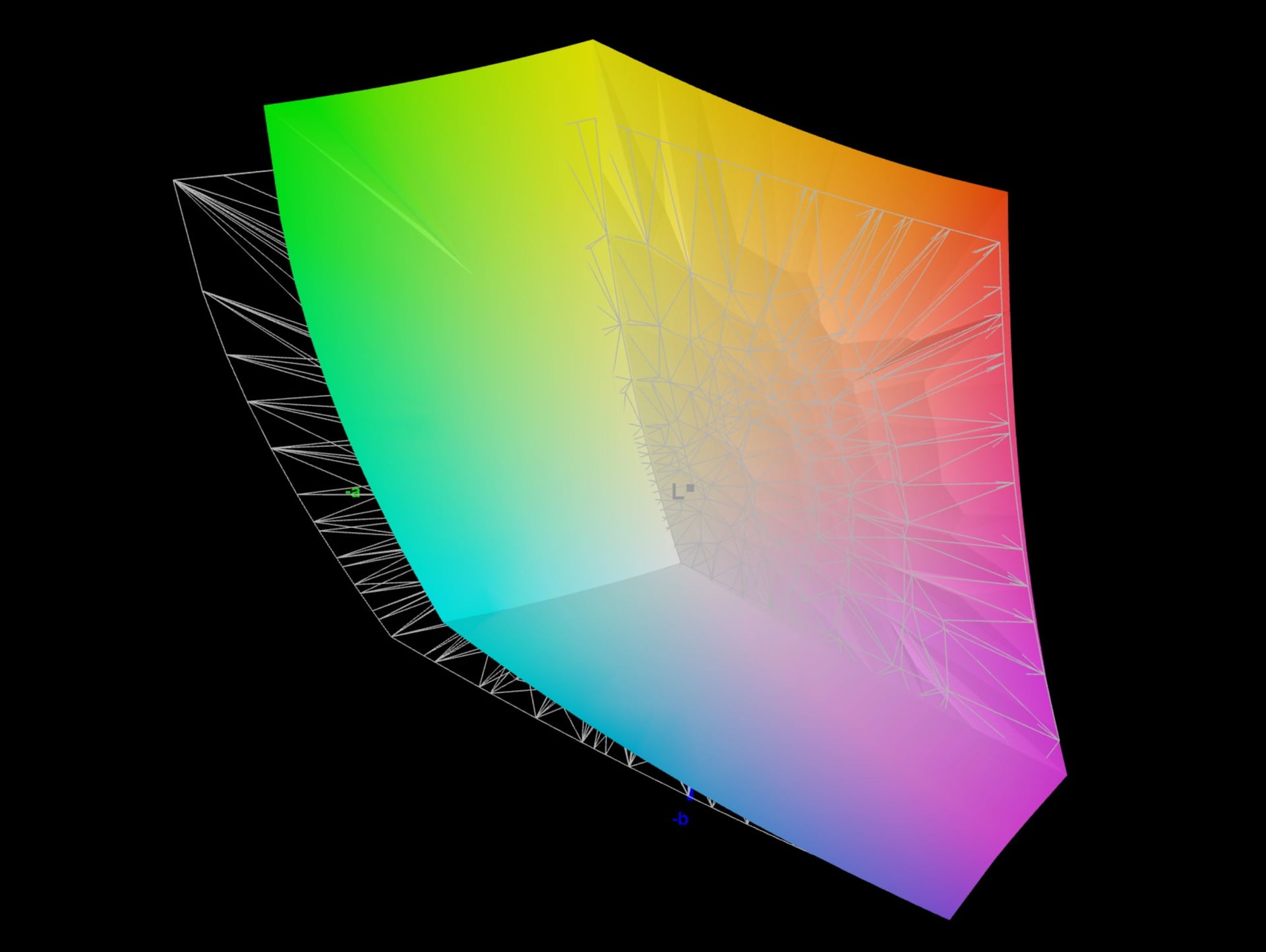
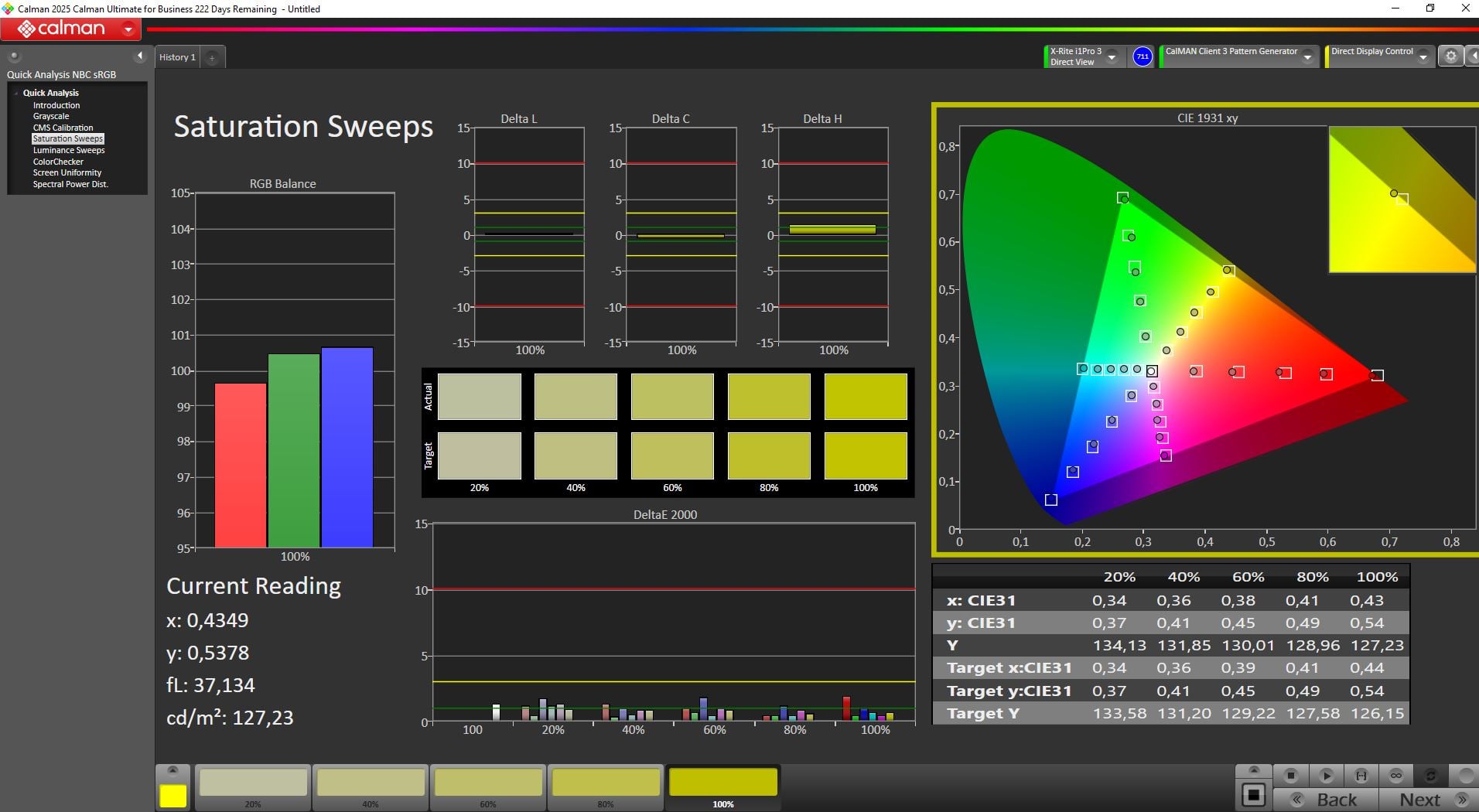
出厂时,该显示屏已针对Display P3进行了非常精准的校准,色差值约为Delta E ~1,重新校准也无法带来明显的改善。
Display Response Times
| ↔ Response Time Black to White | ||
|---|---|---|
| 1.6 ms ... rise ↗ and fall ↘ combined | ↗ 0.8 ms rise | 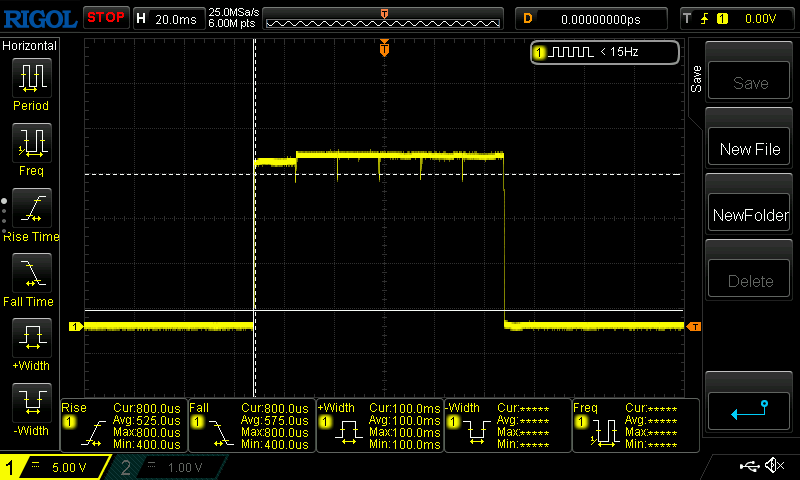 |
| ↘ 0.8 ms fall | ||
| The screen shows very fast response rates in our tests and should be very well suited for fast-paced gaming. In comparison, all tested devices range from 0.1 (minimum) to 240 (maximum) ms. » 10 % of all devices are better. This means that the measured response time is better than the average of all tested devices (19.7 ms). | ||
| ↔ Response Time 50% Grey to 80% Grey | ||
| 1 ms ... rise ↗ and fall ↘ combined | ↗ 0.6 ms rise | 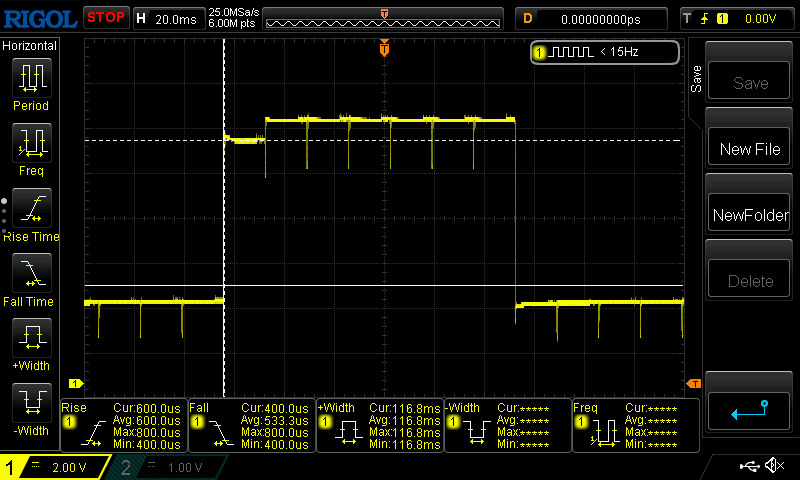 |
| ↘ 0.4 ms fall | ||
| The screen shows very fast response rates in our tests and should be very well suited for fast-paced gaming. In comparison, all tested devices range from 0.13 (minimum) to 636 (maximum) ms. » 4 % of all devices are better. This means that the measured response time is better than the average of all tested devices (30.8 ms). | ||
PWM闪烁
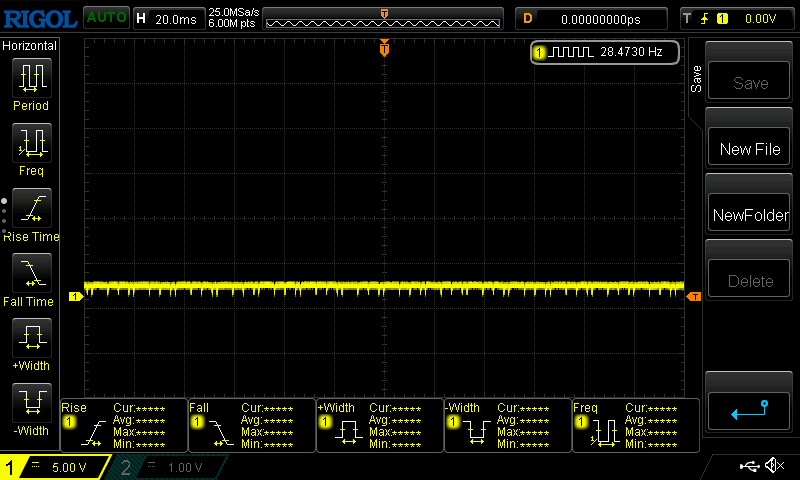
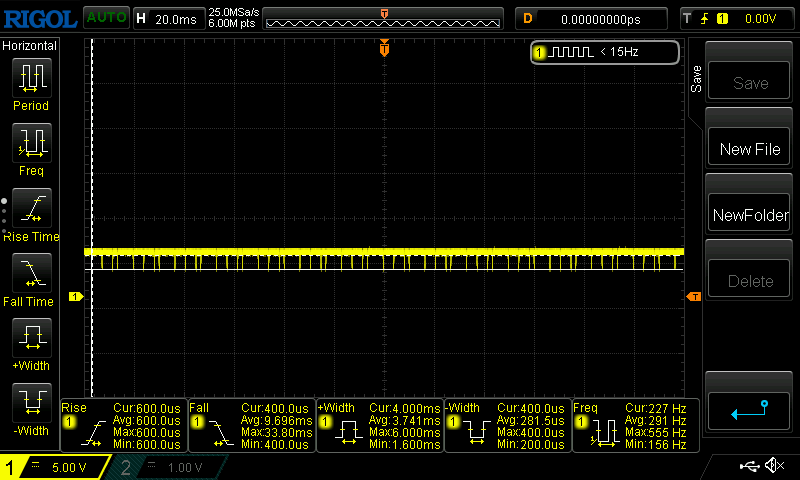
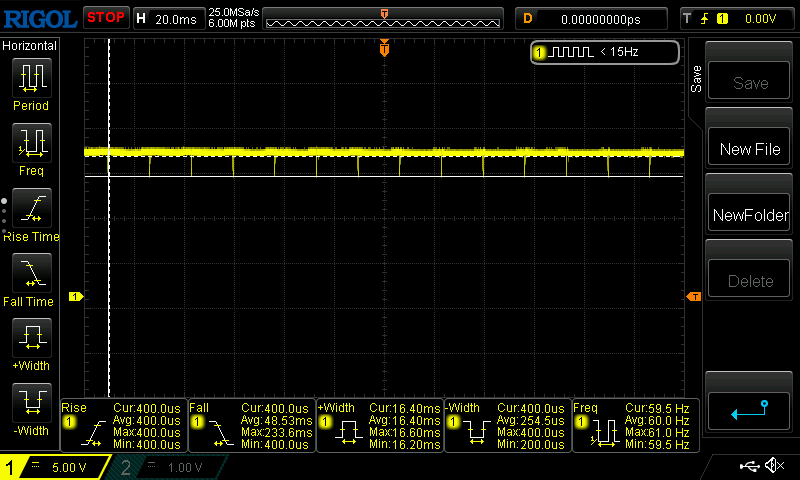
在全亮度下,我们仅测得OLED典型的60 Hz信号。当亮度低于50%时(Display P3模式下,其他模式下有时甚至在90%以下),就会出现额外的闪烁。其频率约为230 Hz(尽管设置为60 Hz)甚至更高。
只要亮度保持在50%或以上,就不会出现问题。在260尼特的SDR亮度下,用户通常也不会进一步降低亮度。
Screen Flickering / PWM (Pulse-Width Modulation)
| Screen flickering / PWM detected | 230 Hz Amplitude: 11 % | 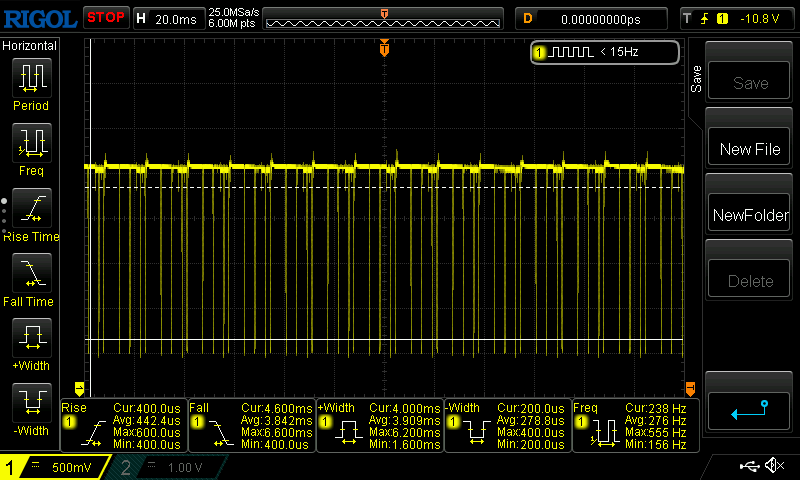 | |
The display backlight flickers at 230 Hz (worst case, e.g., utilizing PWM) . The frequency of 230 Hz is relatively low, so sensitive users will likely notice flickering and experience eyestrain at the stated brightness setting and below. In comparison: 52 % of all tested devices do not use PWM to dim the display. If PWM was detected, an average of 7656 (minimum: 5 - maximum: 343500) Hz was measured. | |||
《Color Shuttle》游戏美术数据库
Mobiuz显示器预装了多种色彩配置文件,可通过菜单进行访问。除了sRGB和Display P3等行业标准外,它还提供了“奇幻”和“科幻”等游戏配置文件。此外,还有三个自定义配置文件,可通过应用程序导入下载的预设。
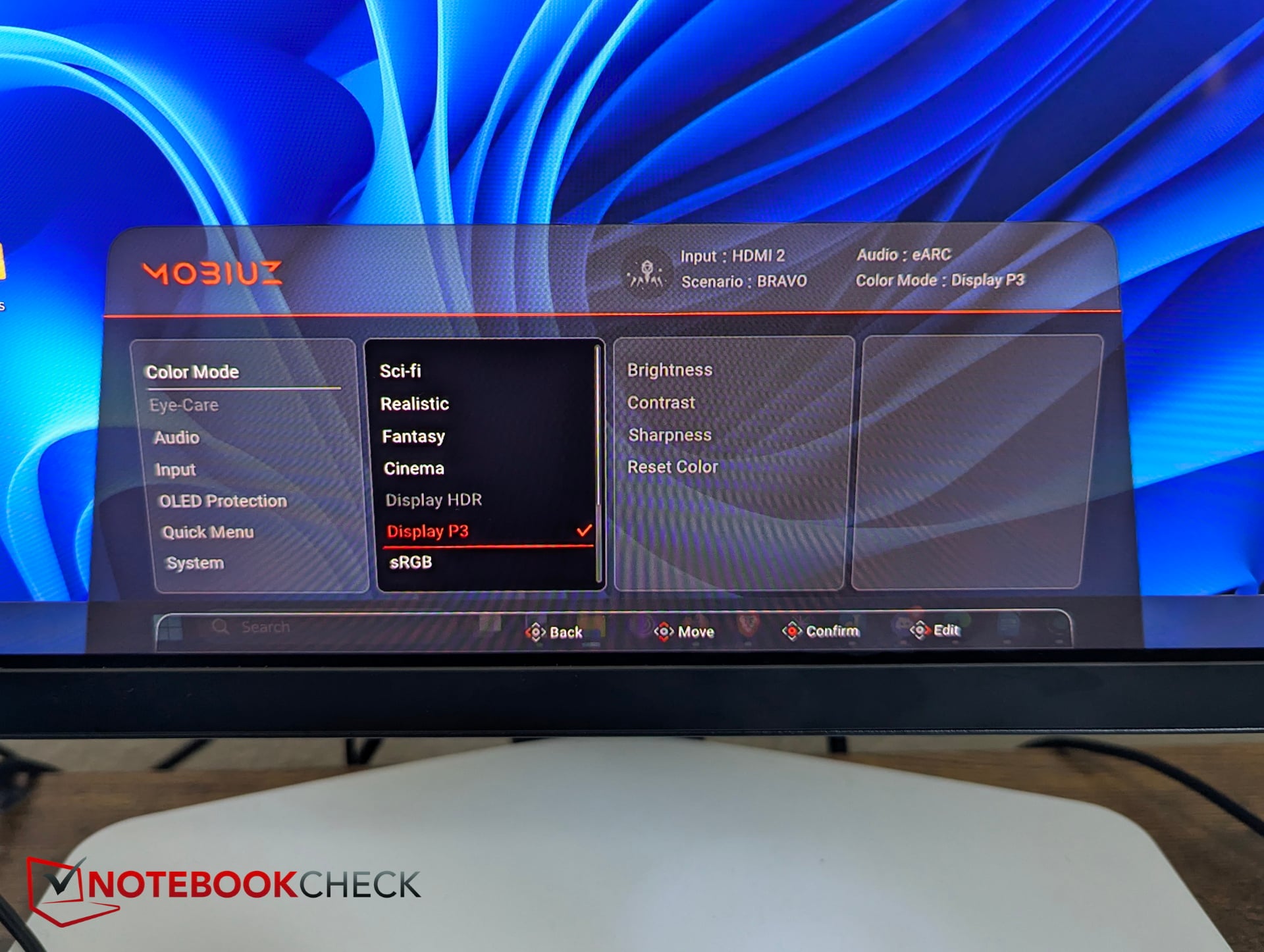
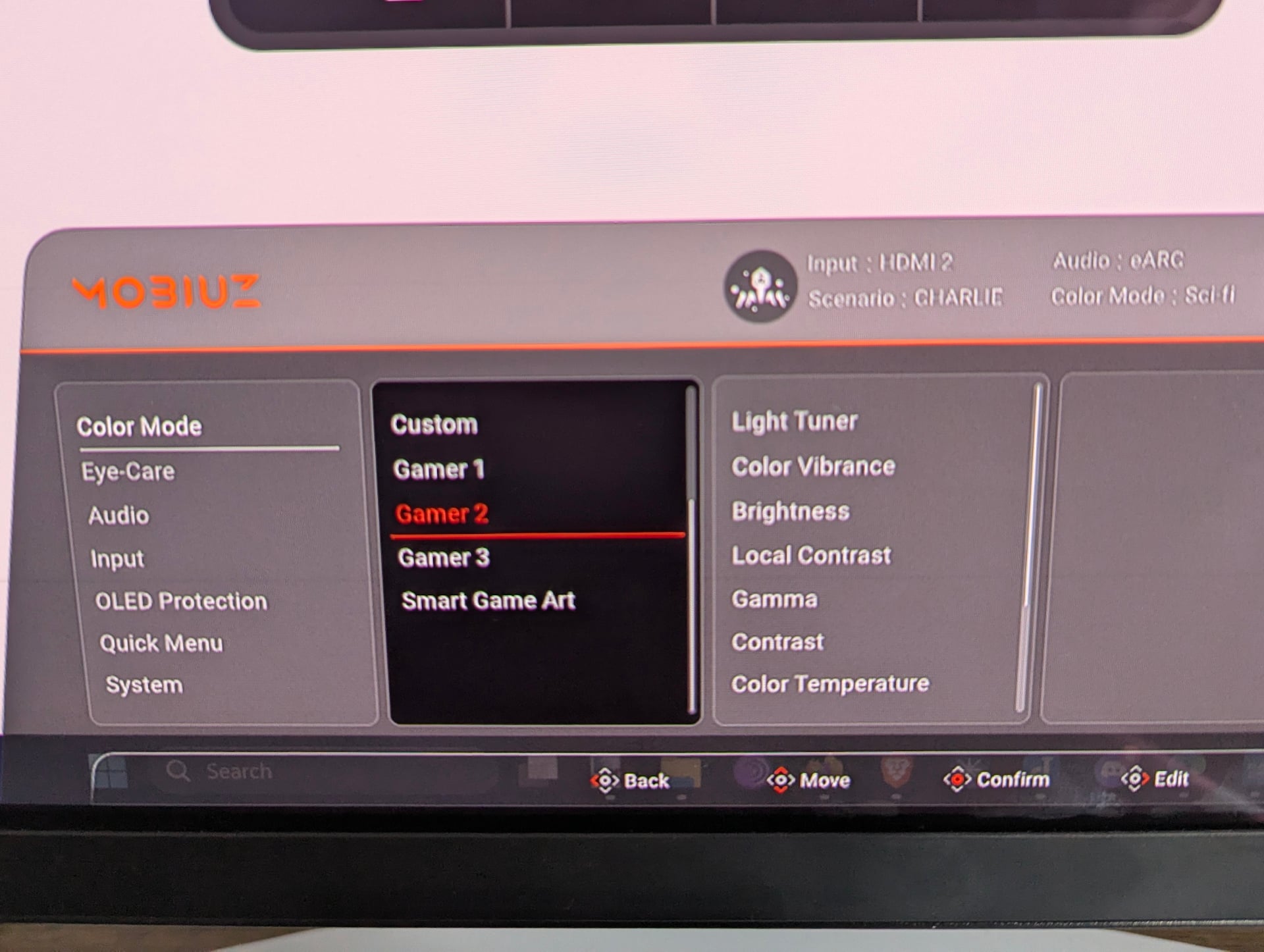
明基提供了“Color Shuttle”应用程序。这款大小约为800 MB的软件允许用户下载各种色彩配置文件,并将其分配给三个游戏预设。这些预设可以显著改变显示器的色彩呈现效果,主要是一项趣味功能——例如让《FIFA》中的草地更绿,或让《荒野大镖客:救赎》中的日落更壮观。
不过,该应用的操作并不特别直观。例如,我们无法弄清楚如何将从网站手动下载的配置文件分配给其中一个自定义预设。
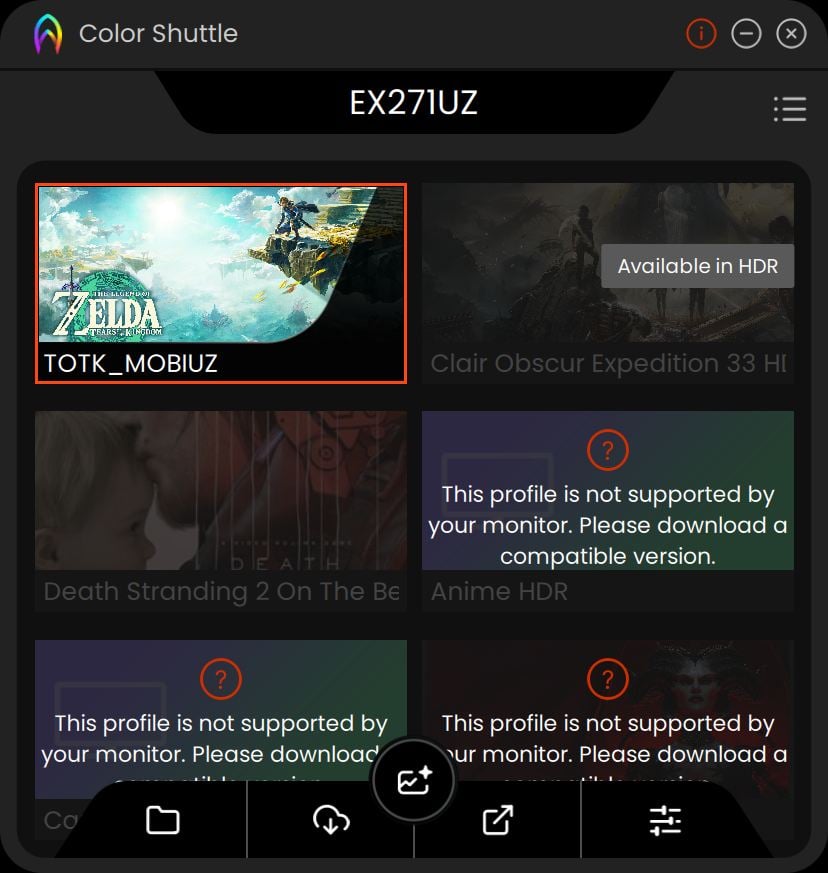

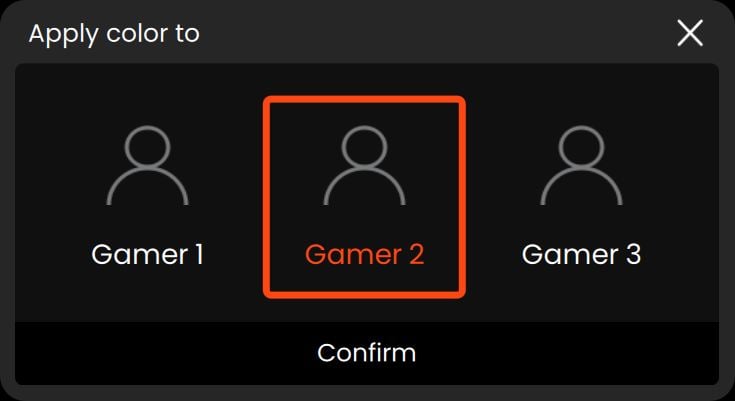
这些配置文件还可以与其他显示器设置结合使用。明基提供了四个预设配置文件(Alpha、Bravo、Charlie、Delta),用户可以通过调整色彩配置文件、亮度、光线调节器、色彩鲜艳度或低蓝光等参数进行自定义。这些选项相结合,提供了极大的自定义灵活性。
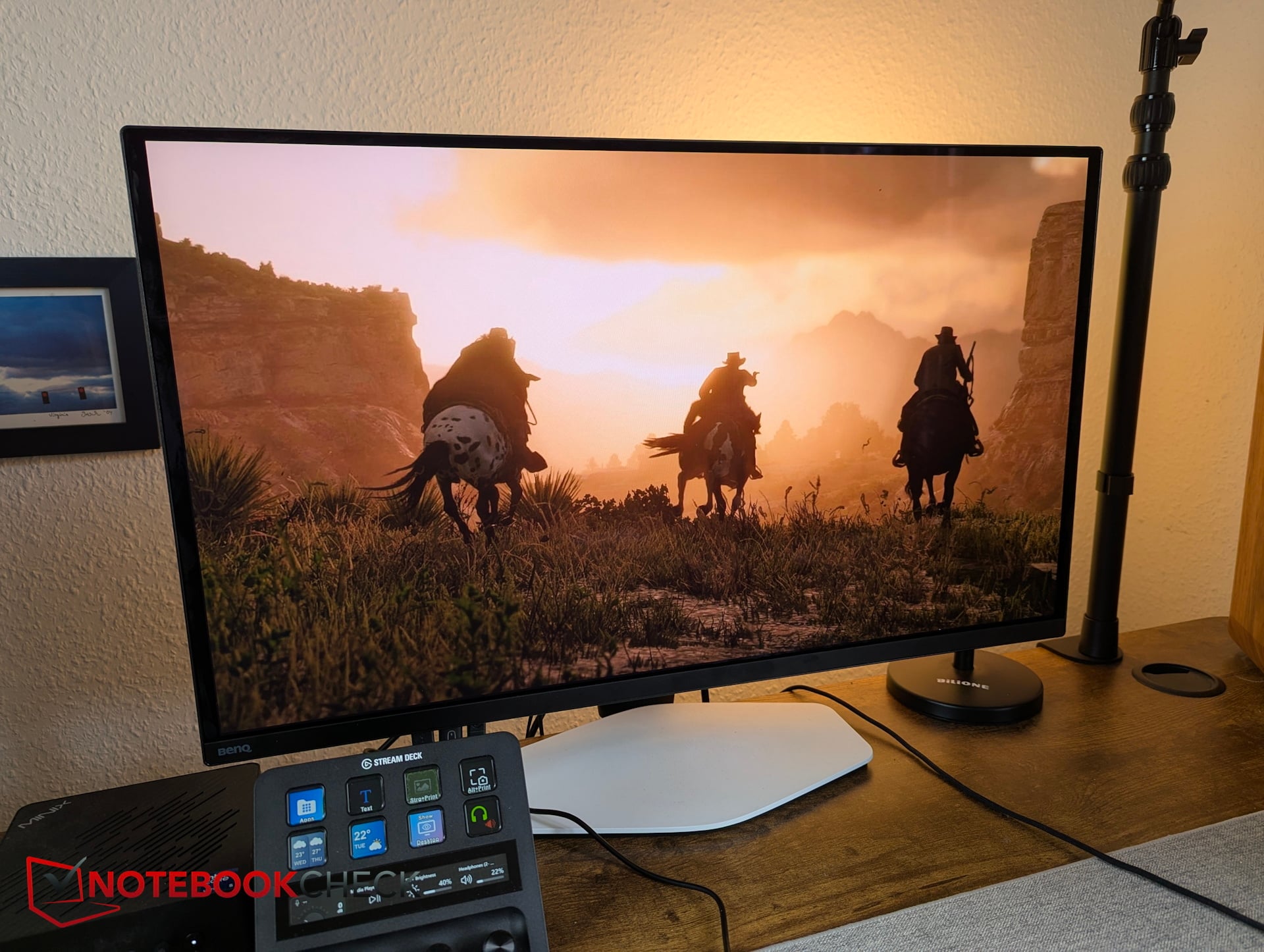
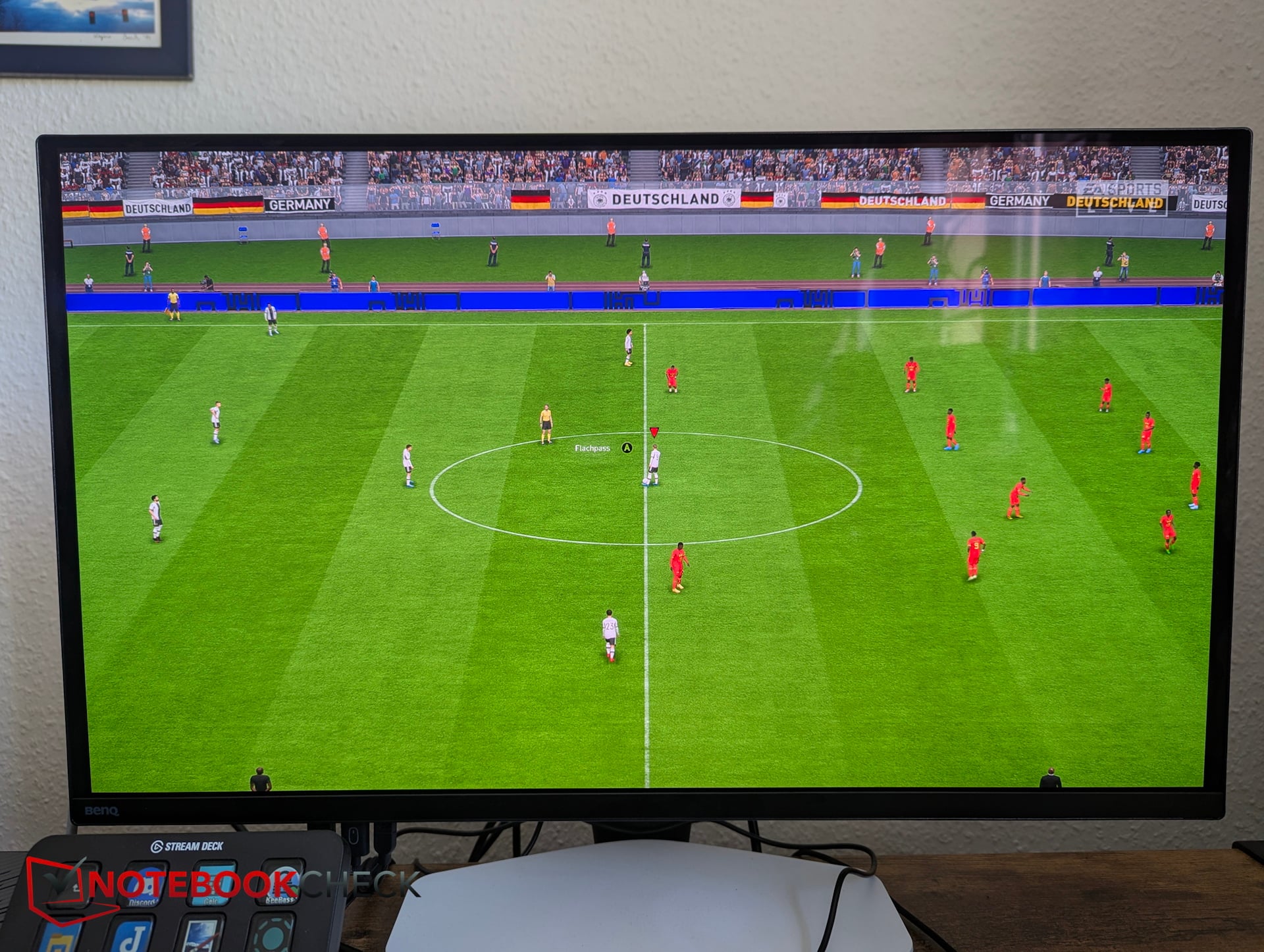
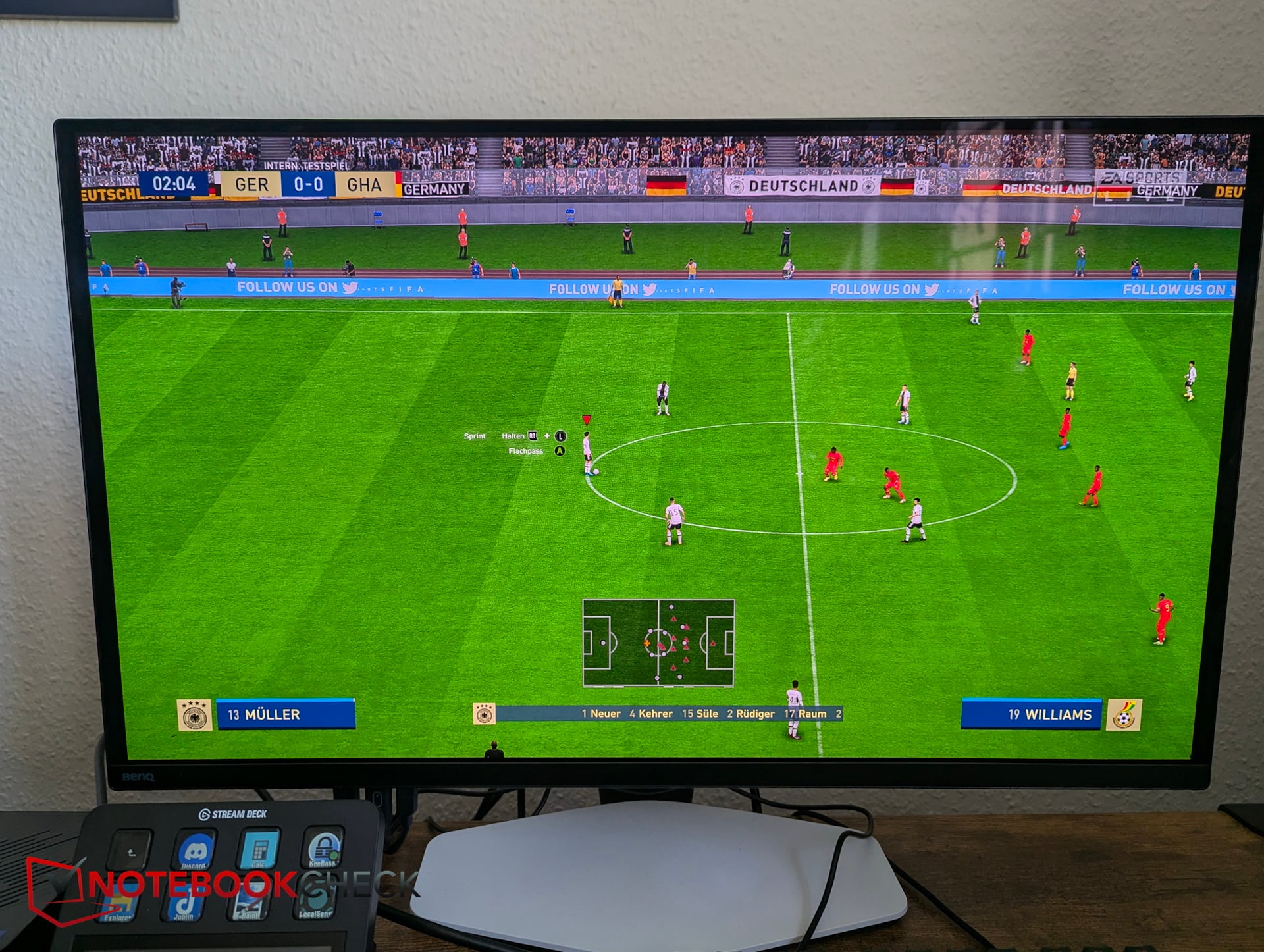
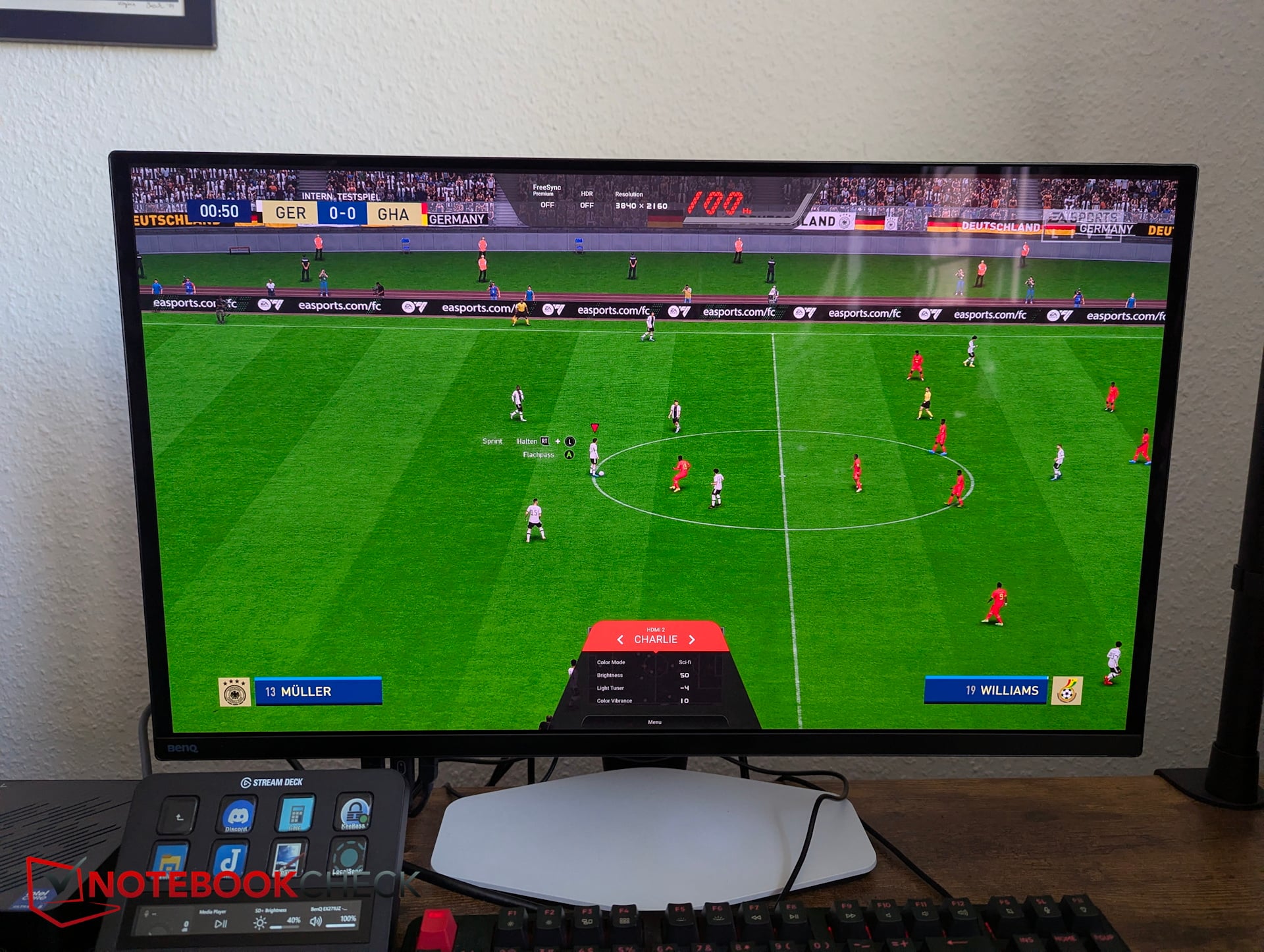
日常可用性批评——像素刷新作为一种干扰因素
画质确实无可挑剔。不过,其他方面也存在一些批评:为了防止OLED屏幕烧屏,现代显示器采用了像素偏移等多种技术。
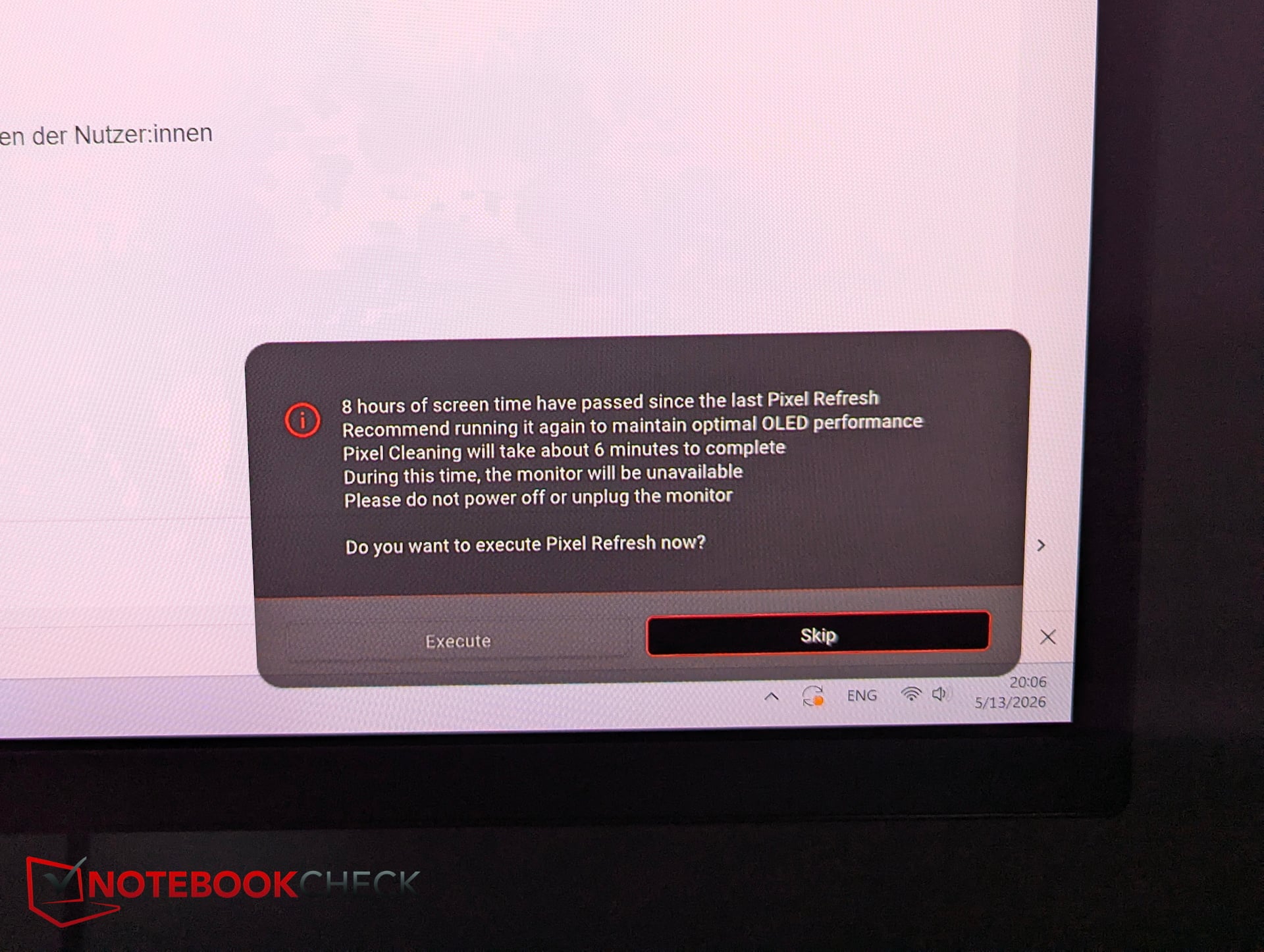
在明基这款显示器上,自动面板维护功能尤为烦人。它并非像其他显示器那样偶尔在后台运行像素偏移,而是在使用仅数小时后就提示进行像素刷新。
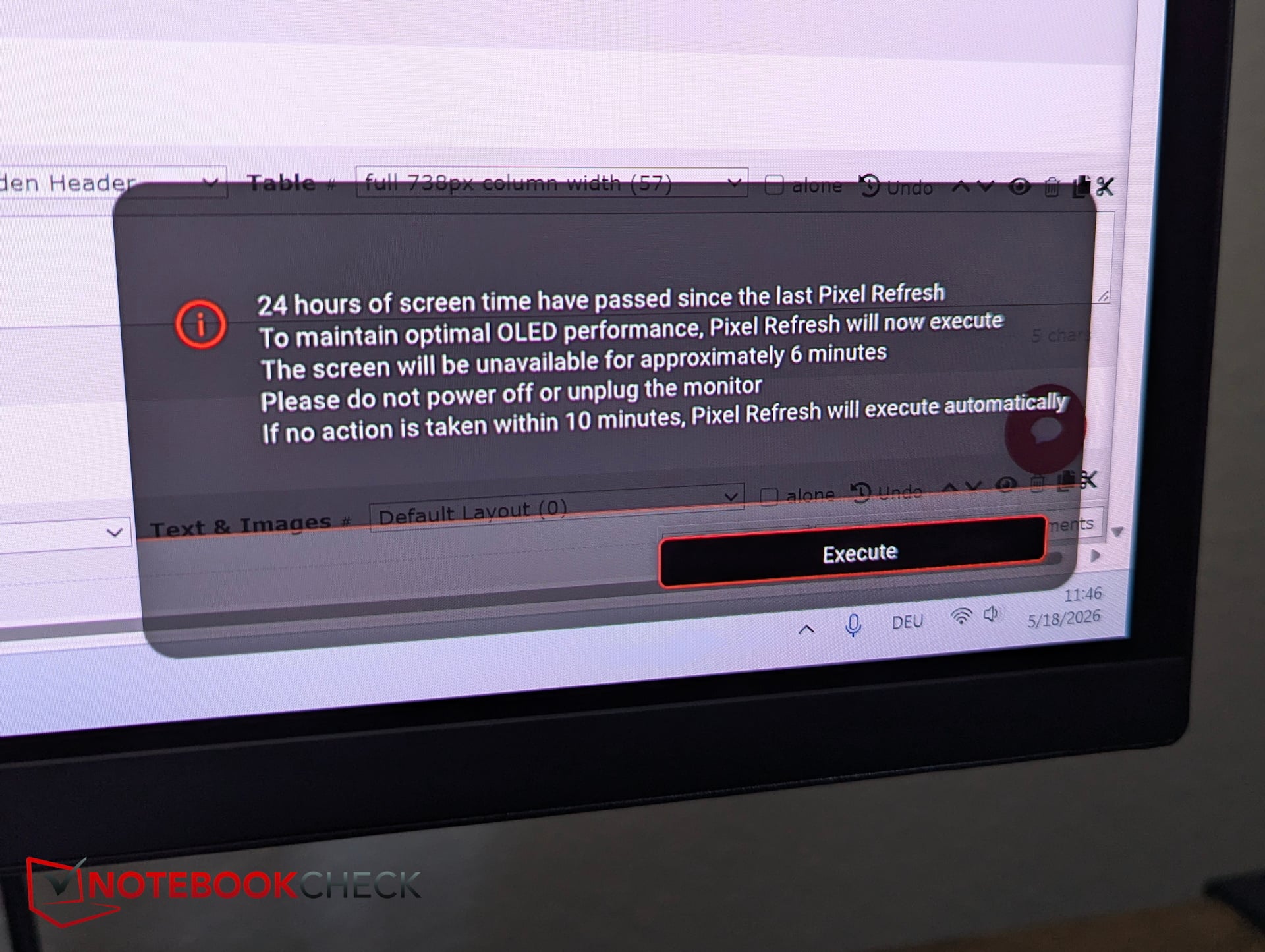
问题在于:Mobiuz的像素刷新需要整整5.5分钟,在此期间屏幕会完全变黑,无法使用。虽然第一次提示还可以跳过,但在使用24小时后(每24小时重复一次),该提示将无法再被忽略。 用户要么不得不中断工作或游戏超过五分钟,要么只能忽略屏幕上巨大的覆盖层。这些强制中断极其令人恼火。
功耗——30 瓦与 60 瓦
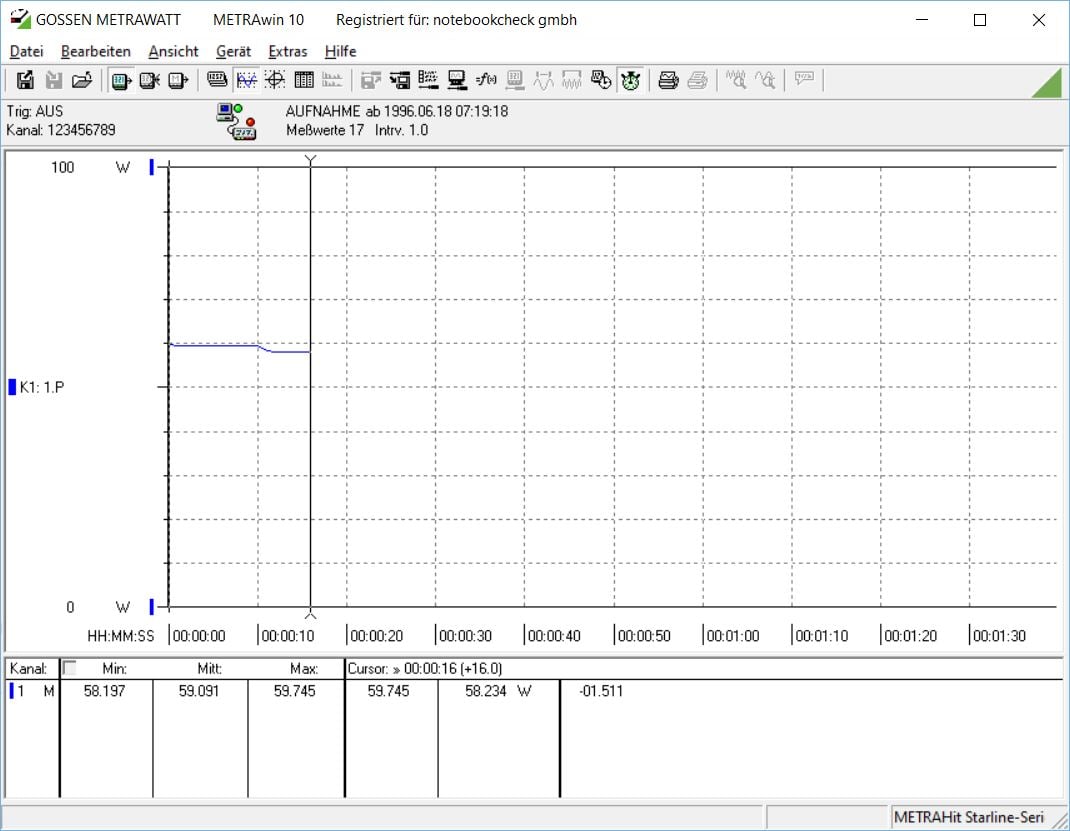
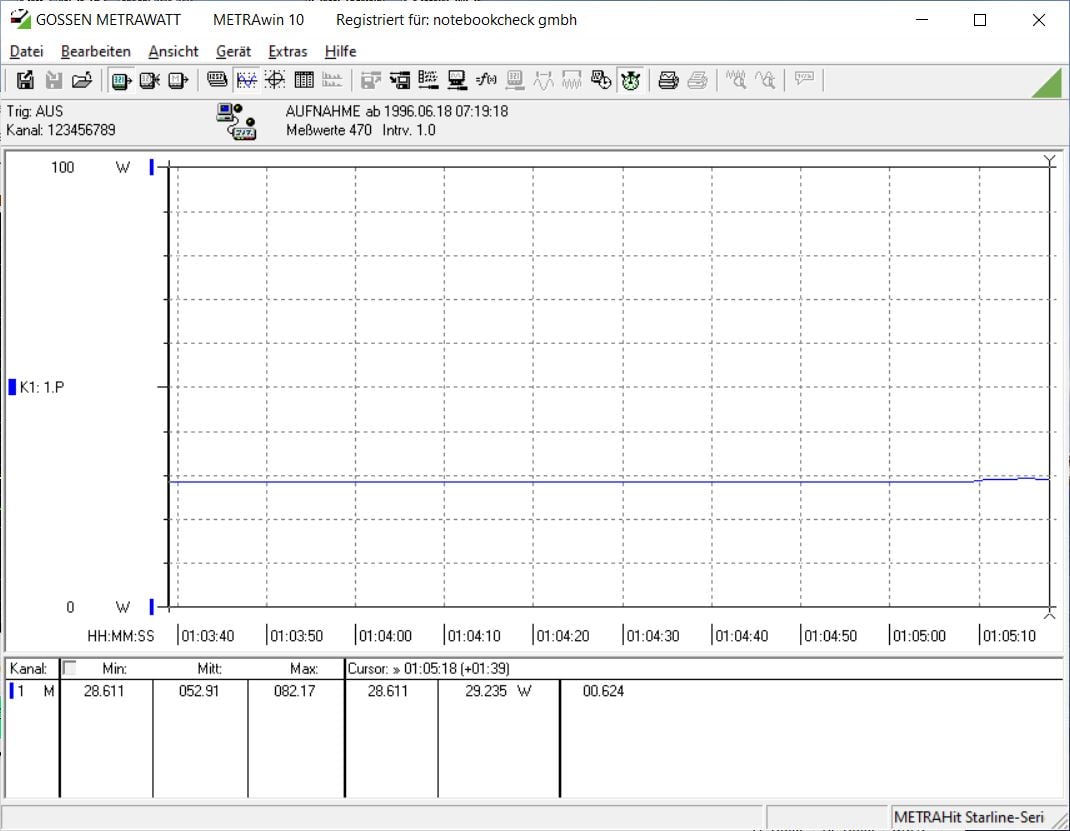
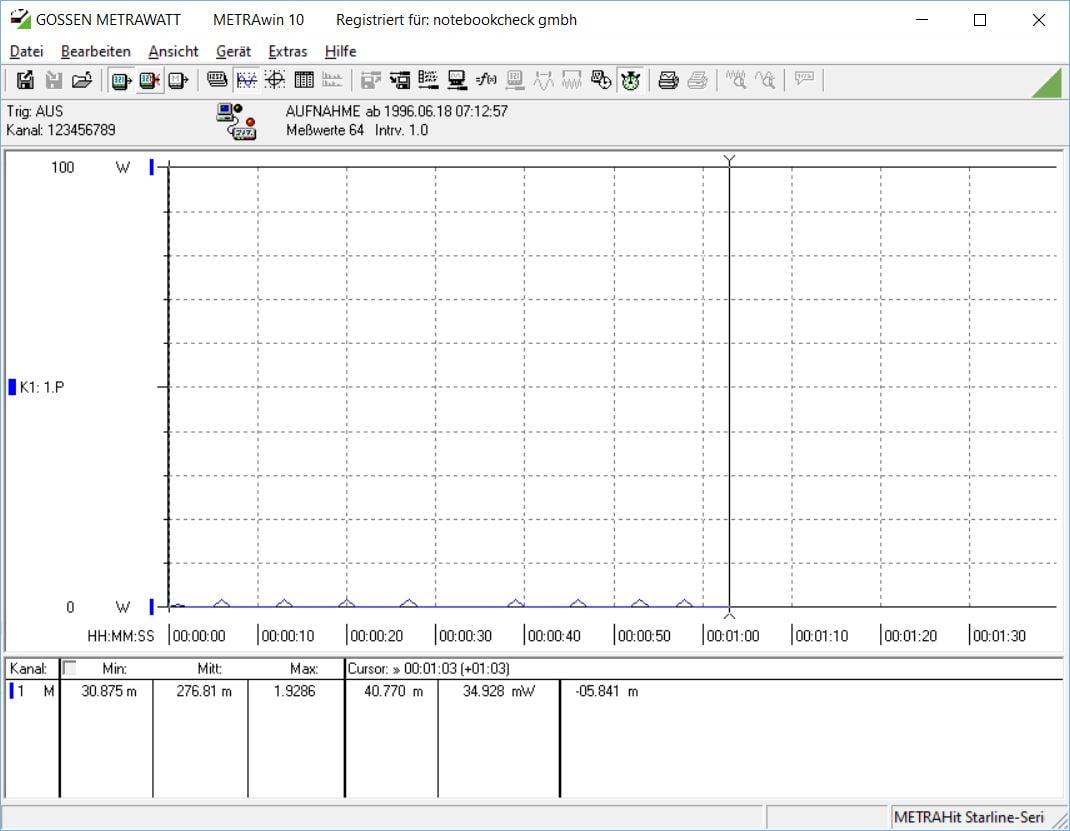
与IPS面板不同,OLED的功耗在很大程度上取决于显示的内容。在办公场景下,当使用明亮的Windows主题时,Mobiuz的功耗约为50至60瓦。切换至深色模式并显示较暗的内容后,功耗可降至约30瓦。关机时,这款明基显示器的功耗约为0.3瓦。
Transparency
The selection of devices to be reviewed is made by our editorial team. The test sample was given to the author by the manufacturer free of charge for the purposes of review. There was no third-party influence on this review, nor did the manufacturer receive a copy of this review before publication. There was no obligation to publish this review. As an independent media company, Notebookcheck is not subjected to the authority of manufacturers, retailers or publishers.
 Add as a preferred source on Google