


Notebookcheck Logo
Teaser

如同一场药物致幻之旅:《Control Resonant》评测

LSD迷幻体验。

第一部作品凭借其独特的故事、引人入胜的玩法和鲜明的视觉风格脱颖而出。《Control Resonant》延续了这一风格,并准备了一些惊喜。本文主要关注其技术层面。
Florian Glaser, 👁 Florian Glaser (translated by DeepL / Ninh Duy) Published 🇺🇸 🇩🇪 ...
Gaming Laptop / Notebook Desktop Gamecheck

Technology, settings & benchmarks

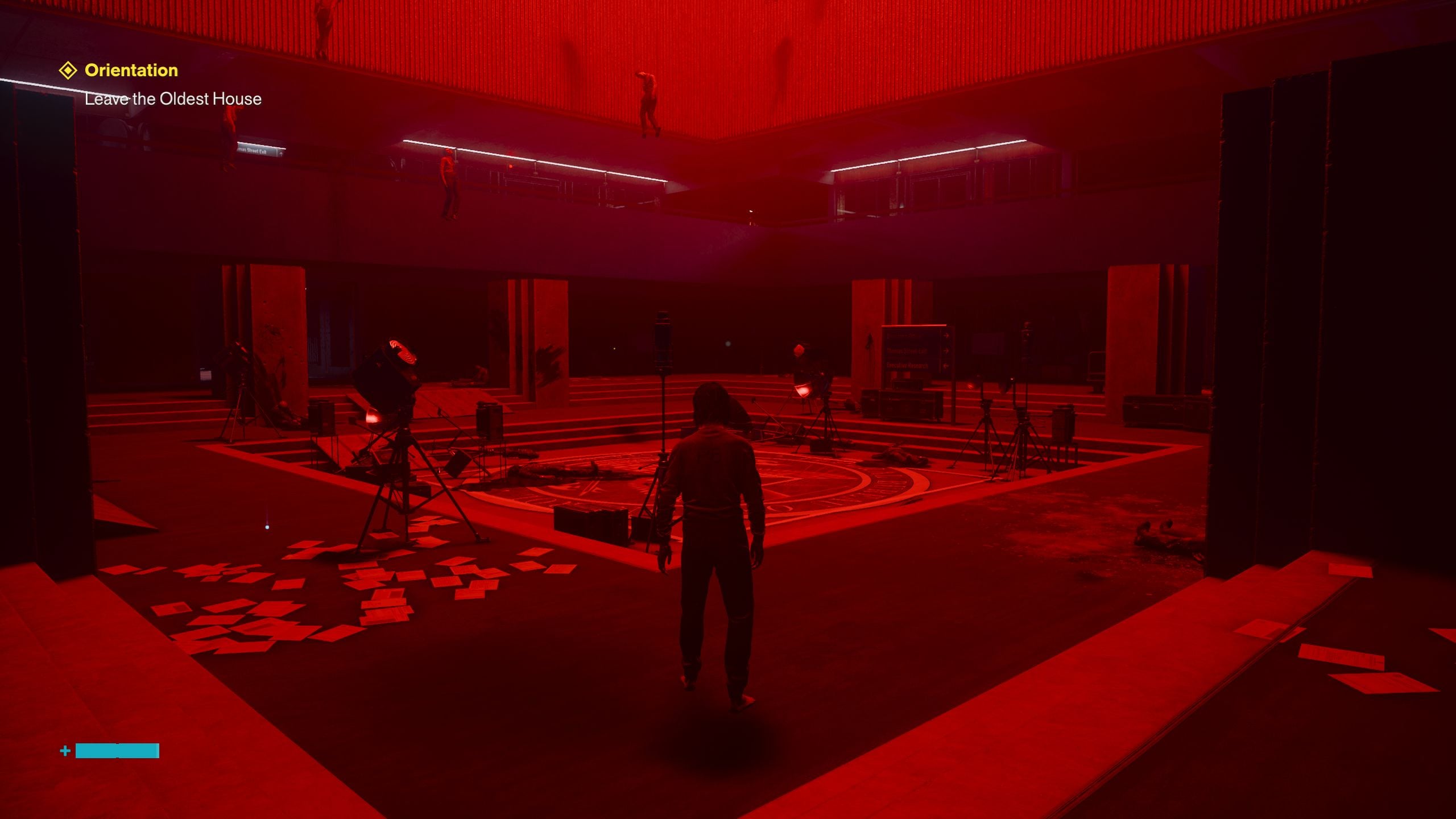
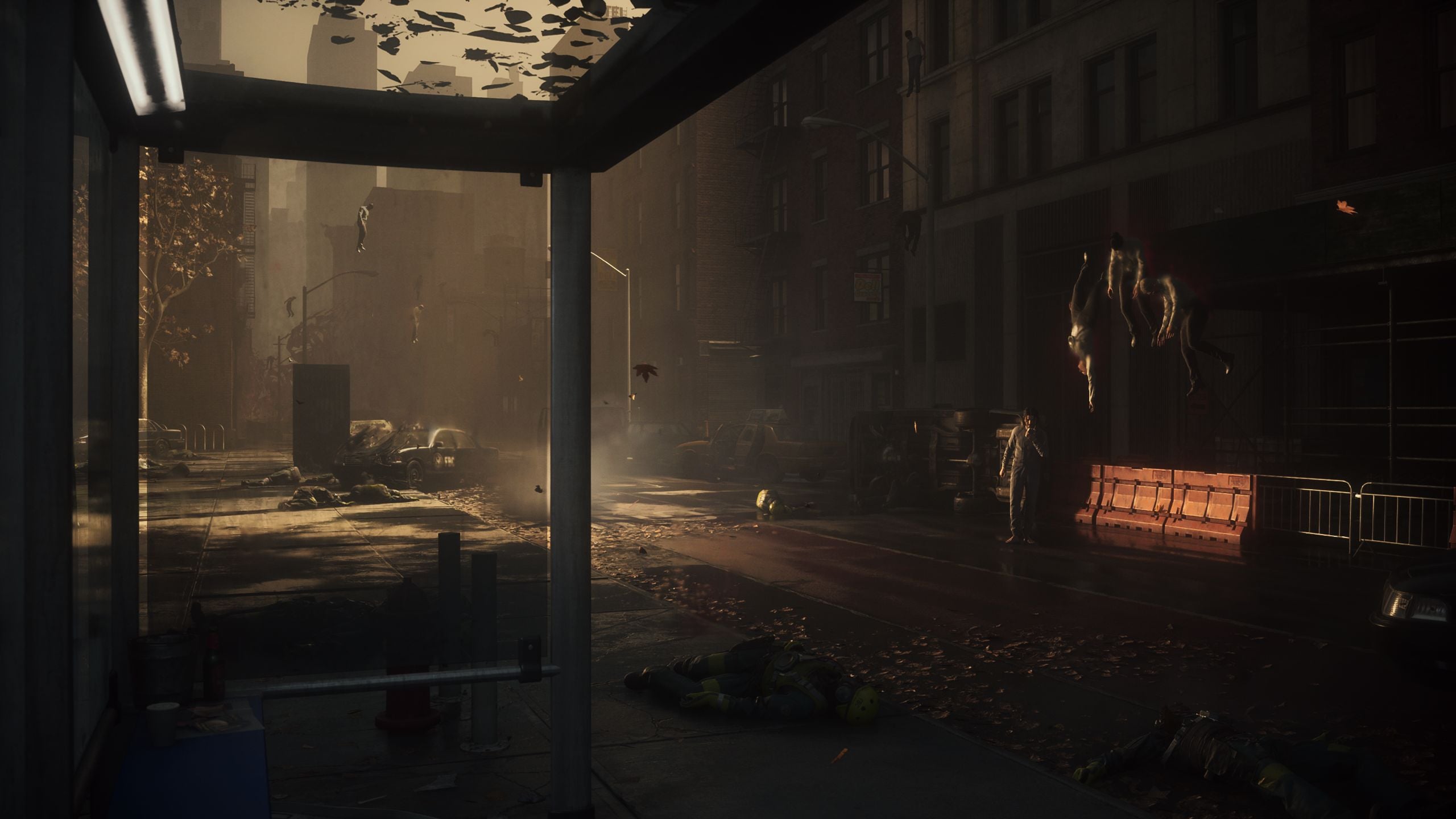
与其前作一样,Control Resonant 由芬兰电子游戏开发商 Remedy Entertainment 开发,该公司以Max Payne和Alan Wake系列闻名。与该工作室的其他作品一样,本作再次采用 Remedy 自家的 Northlight 引擎,该引擎支持丰富的现代功能。

Control Resonant
Control Resonant
Control Resonant
控制:共振
Control Resonant

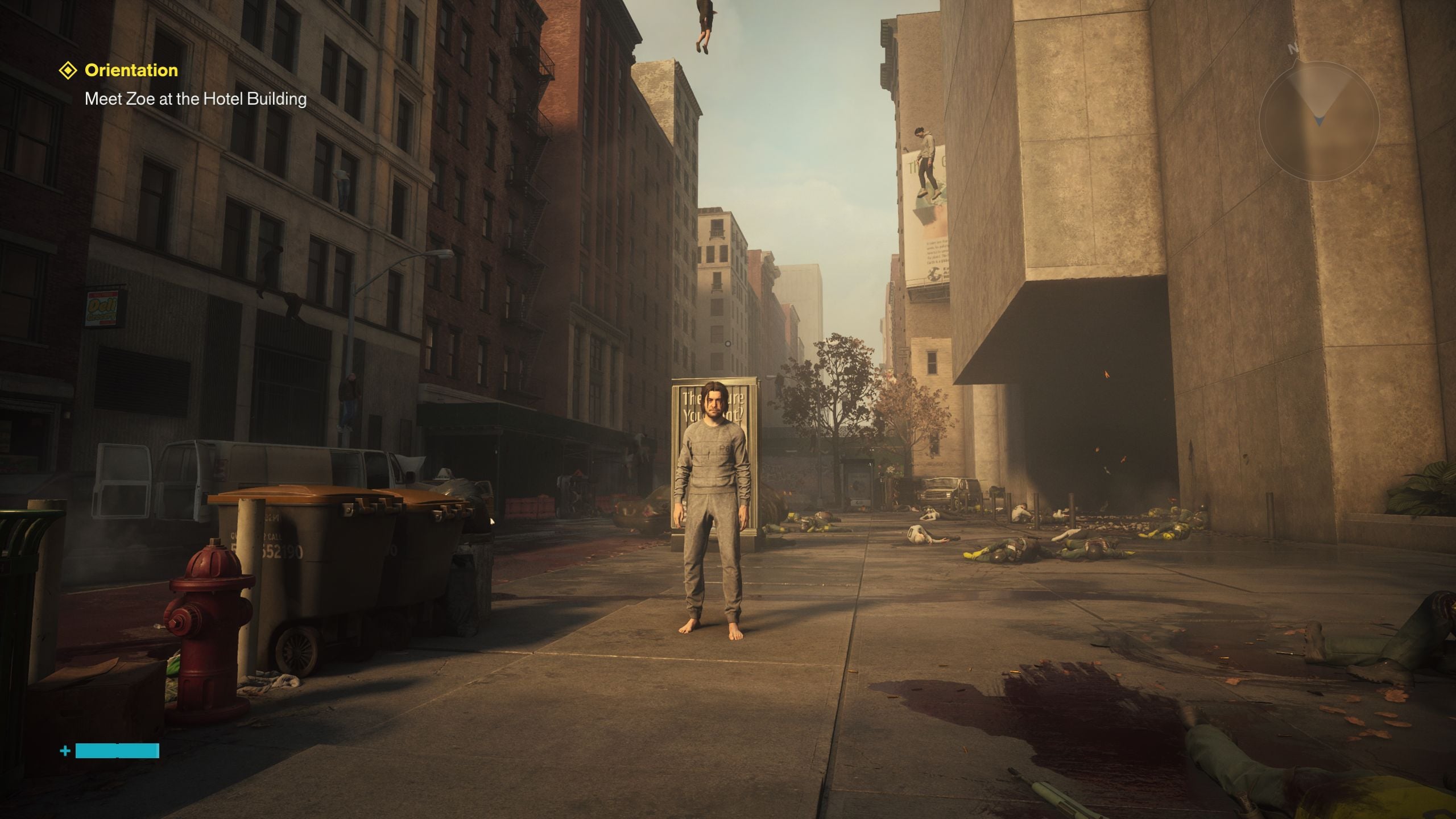
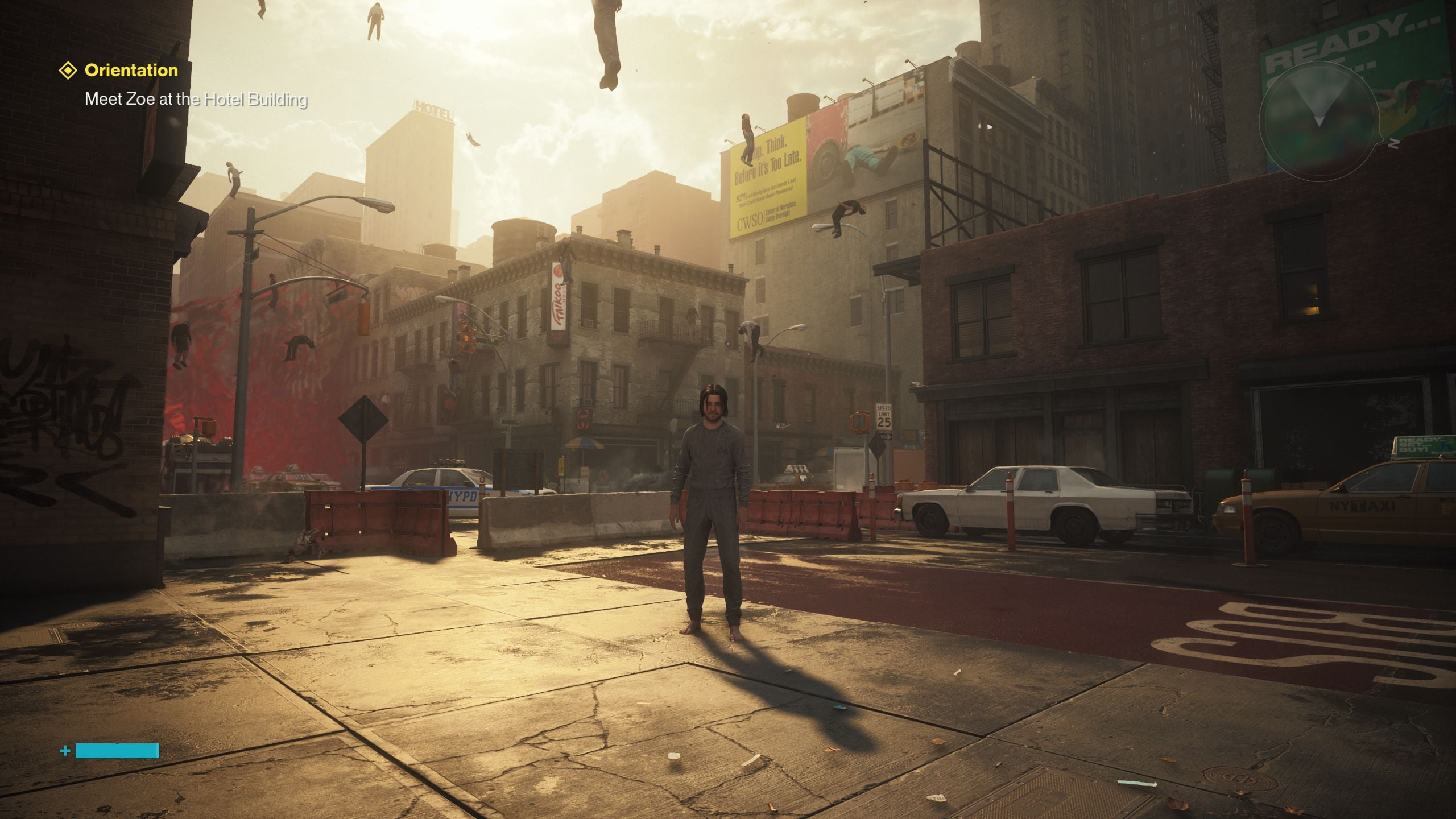
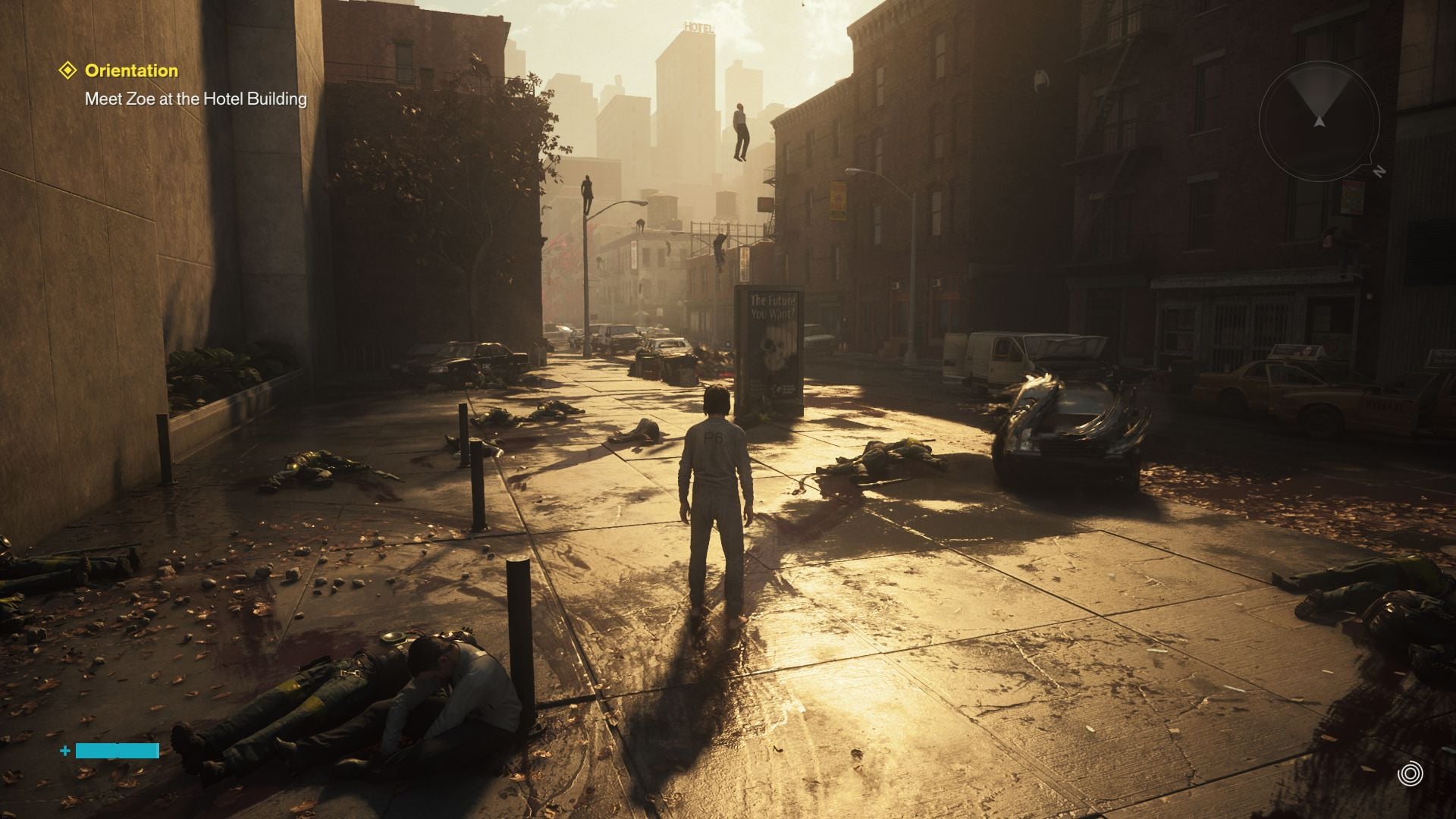
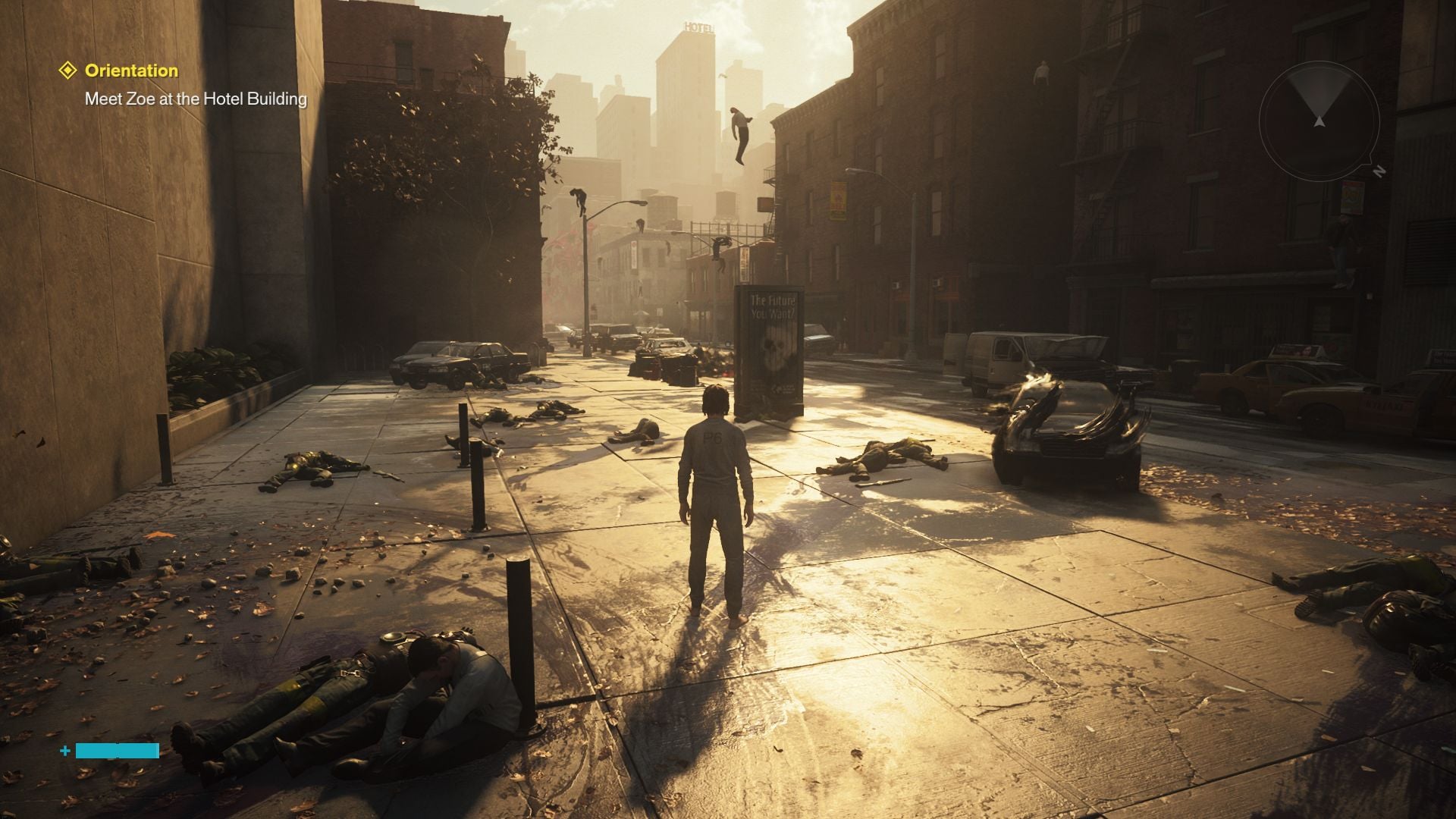
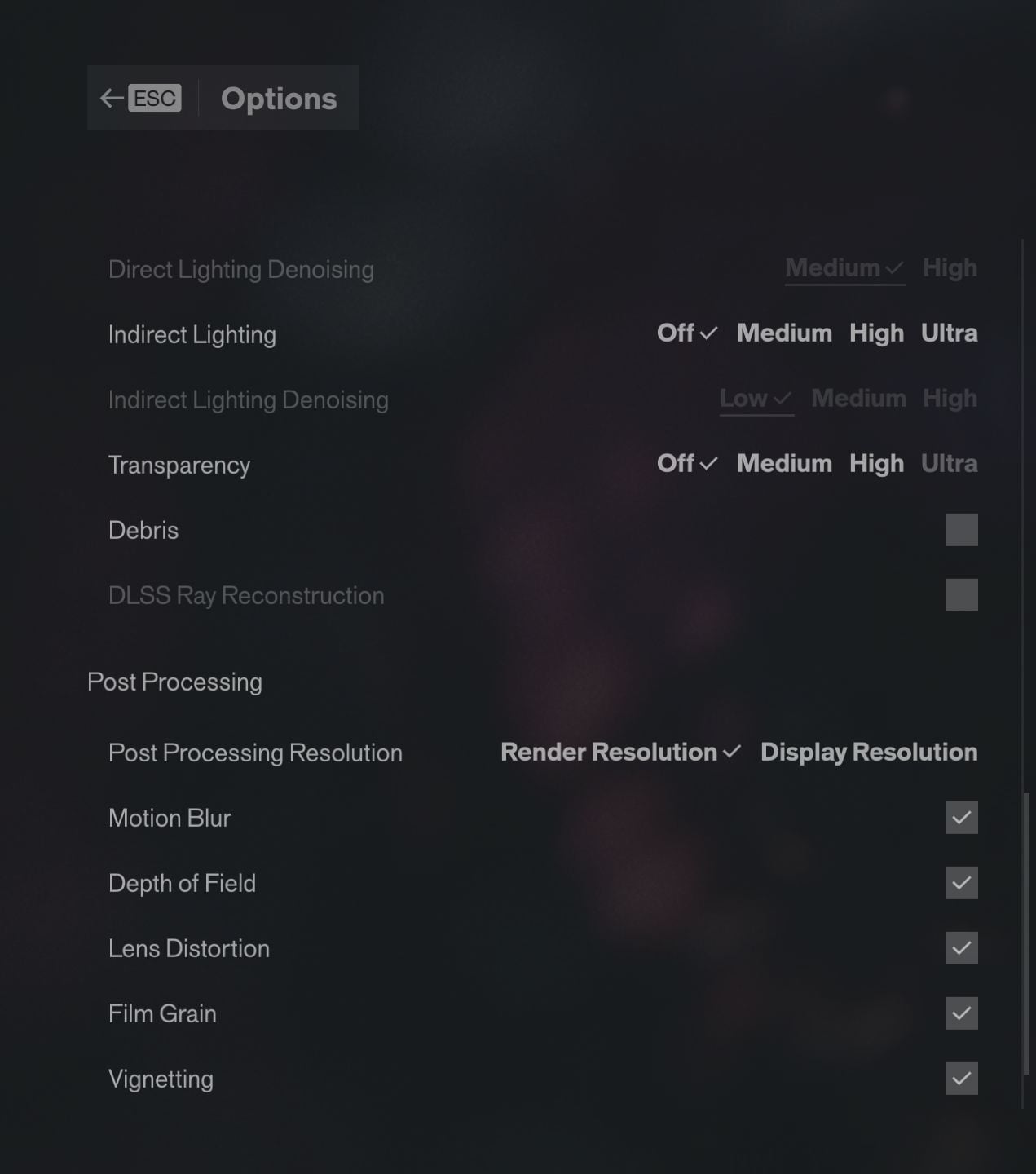
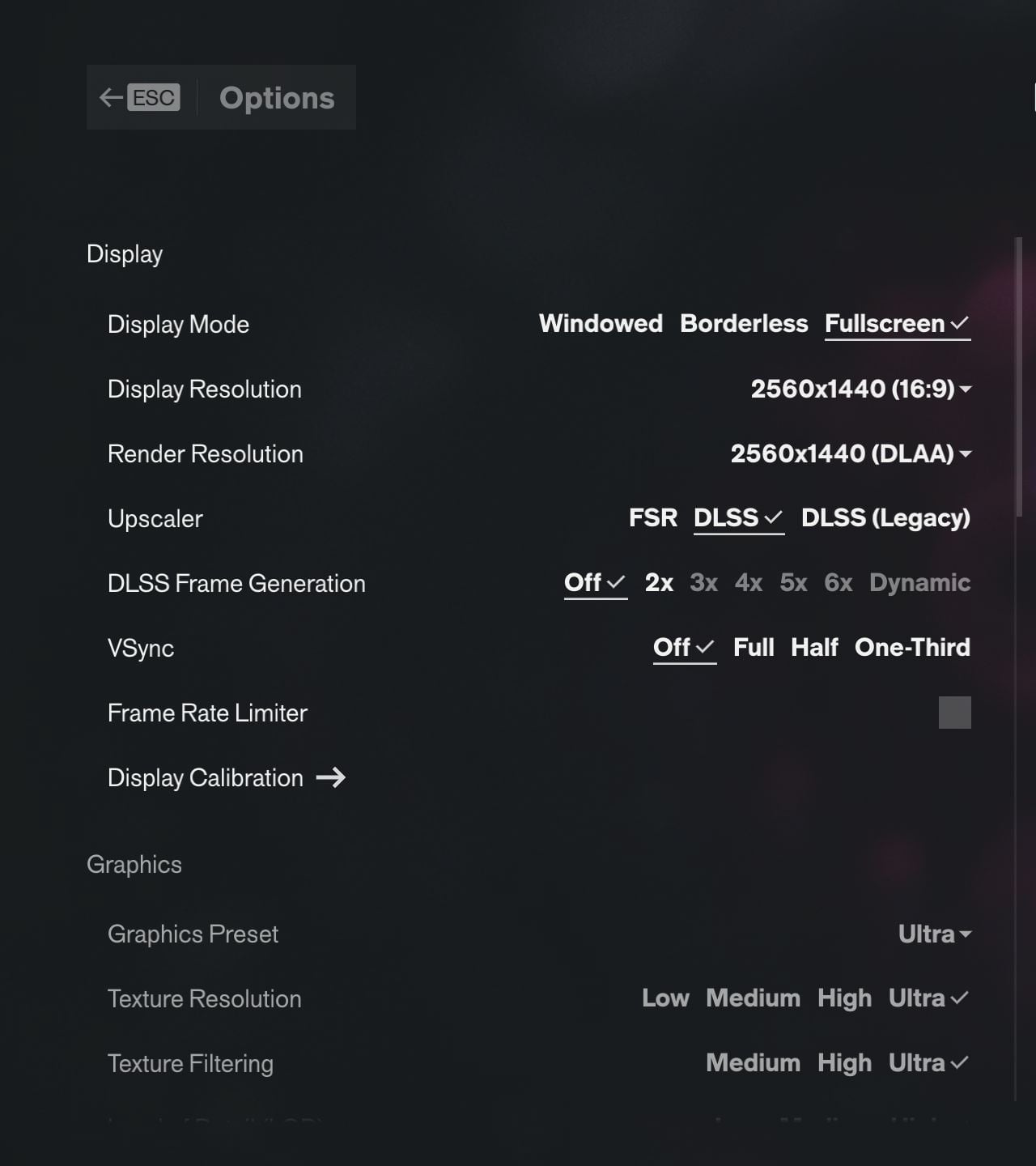
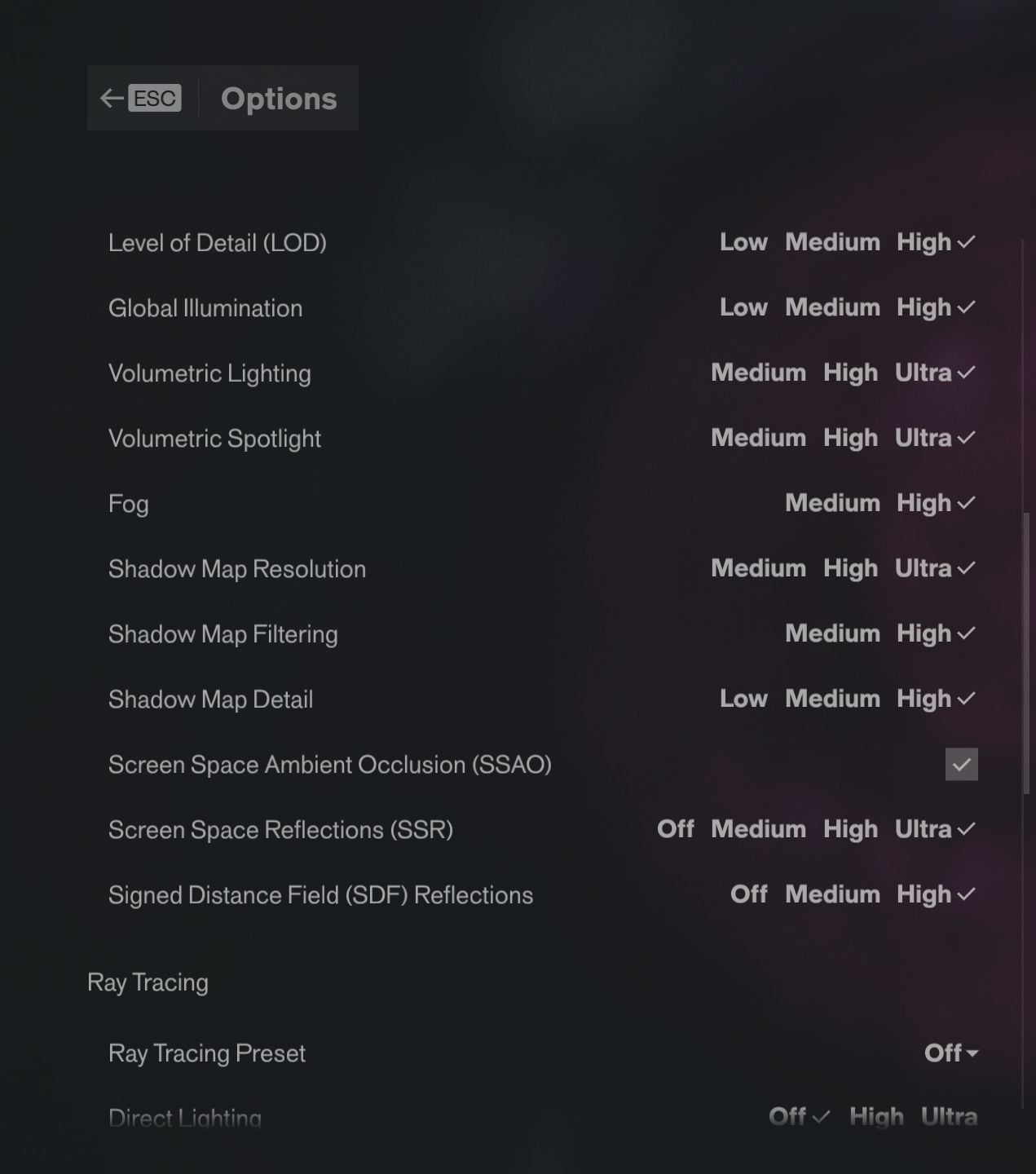
如今几乎已成惯例,Control Resonant 不仅支持升频(FSR 和 DLSS,还可选择启用帧生成),也支持光线追踪,能够呈现格外出色的反射效果。在最高的 Ultra 设置下,性能开销会大幅增加,并且会自动启用光线重建。不过,即使不开启光线追踪,Control Resonant 的画面依然相当出色,选项菜单中还提供了多种图形预设,涵盖从掌机到 Ultra 的不同档位。
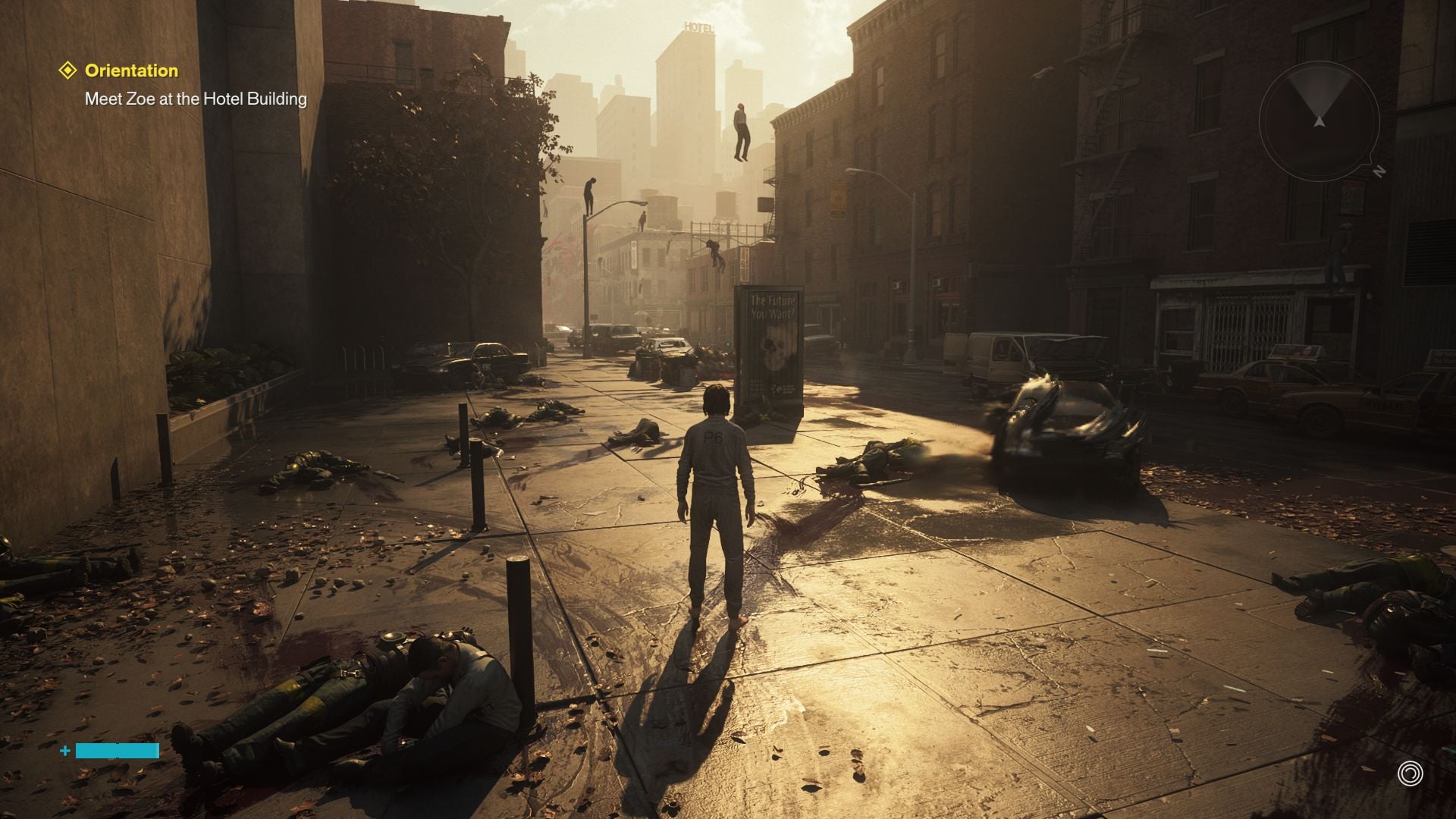
超高预设与超高光线追踪
超高预设与超高光线追踪
高预设
中等预设
手持预设

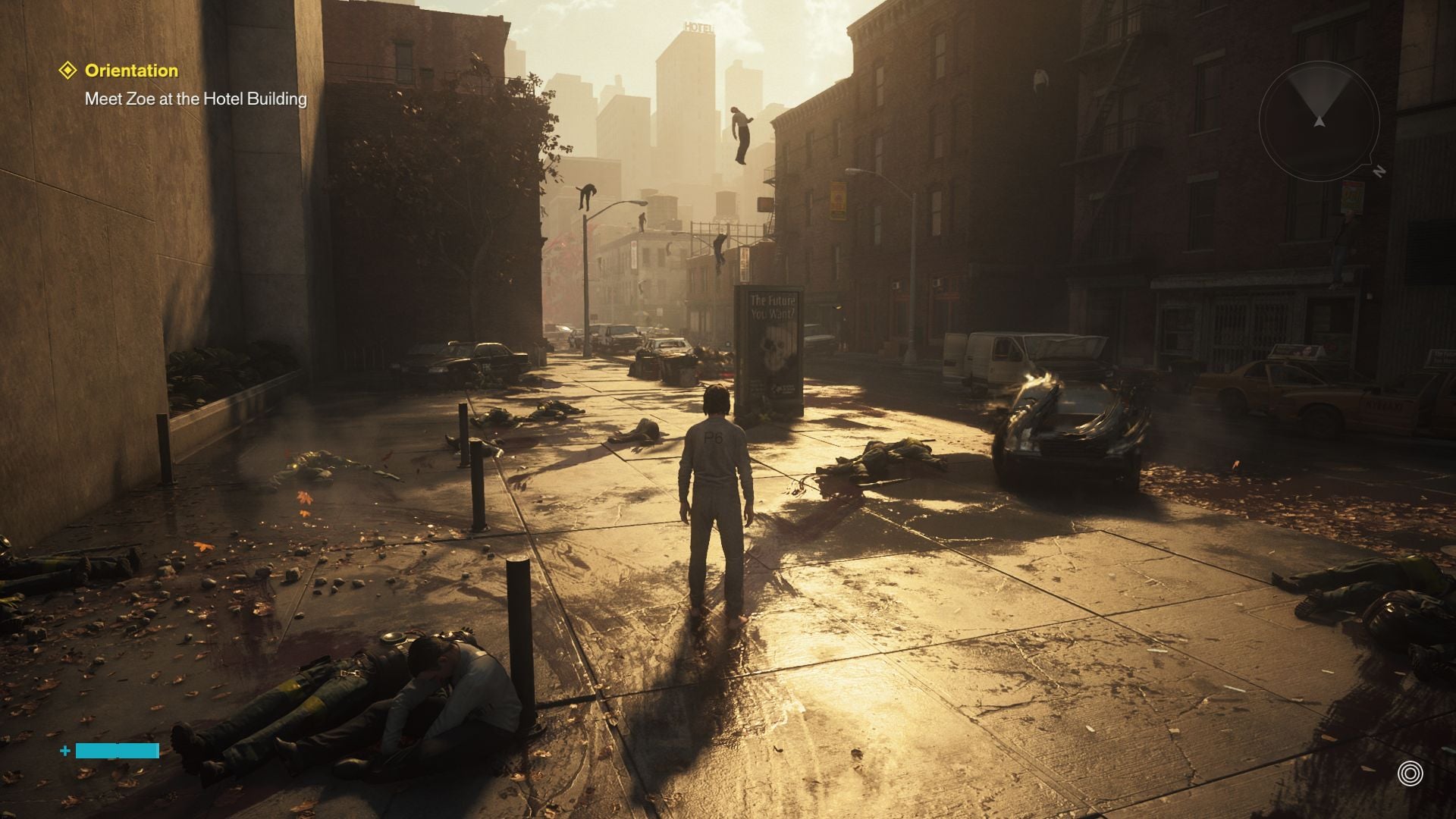
尤其值得称赞的是,所有更改都无需重启即可生效。加载和等待时间总体上都比较合理。不过,游戏的下载体积超过 90 GB,确实相当庞大。除了一次我们未能复现的异常外,我们没有遇到任何崩溃。从内容方面来看,游戏在我们的实机体验中也给人留下了积极的印象。除了动态战斗系统外,丰富的物理模拟和出色的特效也令人眼前一亮。
Control Resonant
控制:共振
Control Resonant

在我们的基准测试片段中,我们选取了游戏前期的一段场景,时间点就在角色进入外部世界之后。我们使用 CapFrameX 录制一段预设路线,时长约 20 秒,如下方视频所示。

Results

FHD / 1,920 x 1,080

不启用光线追踪时,Control Resonant 的硬件要求仍相当适中。以全高清为例,GeForce RTX 5060 Laptop能够在高画质设置下达到接近 60 fps 的帧率。不过,如果想使用最高画质设置和完整光线追踪,则应至少选择GeForce RTX 5080 Laptop。

Control Resonant
    1920x1080 Handheld Preset AA:DL     1920x1080 Medium Preset AA:DL     1920x1080 High Preset AA:DL     1920x1080 Ultra Preset + Ultra Ray Tracing AA:DL
NVIDIA GeForce RTX 4080, i9-13900K
Desktop-PC Asus ROG Strix Z790-F
150 (78min, 86.9P0.1, 111.2P1) fps ∼100%
133.4 (47.3min, 94.4P0.1, 104.1P1) fps ∼100%
119.9 (87.3min, 97.8P0.1, 107.9P1) fps ∼100%
55.1 (42.7min, 42.7P0.1, 46.9P1) fps ∼100%
NVIDIA GeForce RTX 5090 Laptop, Ultra 9 275HX
XMG Neo 16 E25
128.9 (25.5min, 57P0.1, 84.8P1) fps ∼86%
117.1 (38min, 80.6P0.1, 86.9P1) fps ∼88%
105.7 (42.5min, 82.3P0.1, 95.7P1) fps ∼88%
49.6 (38.7min, 39P0.1, 41.4P1) fps ∼90%
NVIDIA GeForce RTX 5080 Laptop, Ultra 9 275HX
Tuxedo Stellaris 16
111.8 (59.1min, 68.6P0.1, 81.7P1) fps ∼75%
98.9 (57.1min, 68P0.1, 77.8P1) fps ∼74%
86.4 (53.6min, 58.5P0.1, 67.9P1) fps ∼72%
39.9 (31.8min, 31.9P0.1, 33.3P1) fps ∼72%
NVIDIA GeForce RTX 5060 Laptop, Ultra 9 275HX
XMG Fusion 16 M25
62.6 (41.2min, 44P0.1, 49.6P1) fps ∼42%
55.6 (45.8min, 46.1P0.1, 47.2P1) fps ∼42%
48.9 (31.3min, 34.6P0.1, 39.7P1) fps ∼41%
17.9 (12.6min, 12.7P0.1, 12.8P1) fps ∼32%

QHD / 2,560 x 1,440 (+ 超分辨率放大)

QHD 显示屏的要求更高。即使是目前顶级的笔记本电脑 GPU,GeForce RTX 5090 Laptop,在所有设置均调至最高时也会感到吃力。与此同时,启用 DLSS 平衡模式后,GeForce RTX 5070 Ti Laptop级别的显卡应该就足够了。

Control Resonant
    2560x1440 Ultra Preset + Ultra Ray Tracing AA:DL     2560x1440 Ultra Preset + Ultra Ray Tracing + DLSS Balanced
NVIDIA GeForce RTX 4080, i9-13900K
Desktop-PC Asus ROG Strix Z790-F
36.3 (29.8min, 29.8P0.1, 30.5P1) fps ∼100%
68.4 (52min, 52.4P0.1, 54P1) fps ∼100%
NVIDIA GeForce RTX 5090 Laptop, Ultra 9 275HX
XMG Neo 16 E25
32.2 (24.5min, 24.6P0.1, 25.1P1) fps ∼89%
61 (48min, 48.4P0.1, 50.7P1) fps ∼89%
NVIDIA GeForce RTX 5080 Laptop, Ultra 9 275HX
Tuxedo Stellaris 16
25.5 (19.1min, 19.3P0.1, 19.9P1) fps ∼70%
49.3 (37.6min, 37.6P0.1, 38.7P1) fps ∼72%
NVIDIA GeForce RTX 5060 Laptop, Ultra 9 275HX
XMG Fusion 16 M25
10.1 (7.38min, 7.4P0.1, 7.53P1) fps ∼28%
27.5 (20.6min, 20.6P0.1, 21.8P1) fps ∼40%

UHD / 3,840 x 2,160 (+ 分辨率提升)

在4K分辨率下,同时启用Ultra画质设置和Ultra光线追踪,几乎必须采用更激进的超分辨率升频;否则,即使在顶级高端系统上,Control Resonant也会卡顿严重,正如我们的表格所示。

Control Resonant
    3840x2160 Ultra Preset + Ultra Ray Tracing AA:DL     3840x2160 Ultra Preset + Ultra Ray Tracing + DLSS Balanced
NVIDIA GeForce RTX 4080, i9-13900K
Desktop-PC Asus ROG Strix Z790-F
18.2 (14.1min, 14.2P0.1, 14.6P1) fps ∼100%
40.3 (33min, 33.2P0.1, 33.9P1) fps ∼100%
NVIDIA GeForce RTX 5090 Laptop, Ultra 9 275HX
XMG Neo 16 E25
16.2 (13.1min, 13.1P0.1, 13.2P1) fps ∼89%
35.2 (28.3min, 28.9P0.1, 29.7P1) fps ∼87%
NVIDIA GeForce RTX 5080 Laptop, Ultra 9 275HX
Tuxedo Stellaris 16
12.5 (9.12min, 9.29P0.1, 10P1) fps ∼69%
28.1 (21.6min, 21.8P0.1, 22.3P1) fps ∼70%
NVIDIA GeForce RTX 5060 Laptop, Ultra 9 275HX
XMG Fusion 16 M25
1.625 (0.568min, 0.574P0.1, 0.631P1) fps ∼9%
12.7 (11.5min, 11.5P0.1, 12.5P1) fps ∼32%

(多)帧生成

我们使用移动版 RTX 5080,在开启帧生成的情况下测试了性能。正如预期,它带来了显著的 FPS 提升,尽管最低帧率有时仅略有改善。

3,840 x 2,160,超高预设和超高光线追踪 DLSS 平衡 DLSS 平衡 + MFGx3 DLSS 平衡 + MFGx6
GeForce RTX 5080 笔记本电脑 28 帧/秒(1% 低帧率:13 帧/秒) 71 帧/秒(1% 低帧率:18 帧/秒) 126 帧/秒(1% 低帧:17 帧/秒)

Conclusion – Ray tracing once comes at a heavy performance cost

与许多其他支持光线追踪的游戏一样,这项技术对性能影响巨大,尤其是在较高设置下,即使是性能强劲的游戏系统也会承受很大压力。不过,如有需要,超分辨率和帧生成技术也能像往常一样提供帮助。

Test systems

XMG Neo 16 E25(RTX 5090 笔记本电脑)
Tuxedo Stellaris 16 Gen7(RTX 5080 笔记本电脑)
XMG Fusion 16 M25(RTX 5060 笔记本电脑)

Overview

由于游戏基准测试非常耗时,有时还会因激活限制而延迟,因此我们在发布时只能提供有限数量的结果。其他 GPU 的测试结果将随后公布。

Show Restrictions
PosModel< PrevNext >Control Resonant
 Control Resonant (2026)
low
1920x1080
Handheld Preset
DLAA
med.
1920x1080
Medium Preset
DLAA
high
1920x1080
High Preset
DLAA
ultra
1920x1080
Ultra Preset + Ultra Ray Tracing
DLAA
QHD
2560x1440
Ultra Preset + Ultra Ray Tracing
DLAA
4K
3840x2160
Ultra Preset + Ultra Ray Tracing
DLAA
NVIDIA GeForce RTX 4080
150
133.4
119.9
55.1
36.3
18.2
NVIDIA GeForce RTX 5090 Laptop
128.9
117.1
105.7
49.6
32.2
16.2
NVIDIA GeForce RTX 5080 Laptop
111.8
98.9
86.4
39.9
25.5
12.5
NVIDIA GeForce RTX 5060 Laptop
62.6
55.6
48.9
17.9
10.1
1.63
(-) * Smaller values are better. / n123 Number of benchmarks for this median value / * Approximate position


Legend
5Stutters – This game is very likely to stutter and have poor frame rates. Based on all known benchmarks using the specified graphical settings, average frame rates are expected to fall below 25fps
May Stutter – This graphics card has not been explicitly tested on this game. Based on interpolated information from surrounding graphics cards of similar performance levels, stutters and poor frame rates are expected.
30Fluent – Based on all known benchmarks using the specified graphical settings, this game should run at or above 25fps
40Fluent – Based on all known benchmarks using the specified graphical settings, this game should run at or above 35fps
60Fluent – Based on all known benchmarks using the specified graphical settings, this game should run at or above 58fps
May Run Fluently – This graphics card has not been explicitly tested on this game. Based on interpolated information from surrounding graphics cards of similar performance levels, fluent frame rates are expected.
?Uncertain – This graphics card experienced unexpected performance issues during testing for this game. A slower card may be able to achieve better and more consistent frame rates than this particular GPU running the same benchmark scene.
Uncertain – This graphics card has not been explicitly tested on this game and no reliable interpolation can be made based on the performances of surrounding cards of the same class or family.
The value in the fields displays the average frame rate of all values in the database. Move your cursor over the value to see individual results.
Google LogoAdd as a preferred source on Google
Mail Logo
> Notebookcheck中文版(NBC中国) > 评测 > 如同一场药物致幻之旅:《Control Resonant》评测
Florian Glaser, 2026-10- 1 (Update: 2026-10- 1)